AlgoWay Blog
Guides, manuals and platform references.
Core
- All articles
- FAQ
- PineConnector alternative
- TradersPost alternative
- Automate TradingView alerts
- Automate Telegram signals
- AlgoWay CopyTrader
- cTrader Copier
- TrendSpider with AlgoWay
- How to Automate a TradingView Indicator with Dynamic SL/TP and 1% Risk on MT5
JSON & Alerts
- JSON schema
- Manual alerts
- TradingView without paid subscription
- AlgoWay Strategy Integration in Pine Script
- Python Trading Bot Webhook Integration
- TRALADAL - TradingView Alert Adapter
- TradingView Order Action Alert
- How to use Clone Mode
MT5 / Expert Advisors
Errors
Integrations
- MetaTrader 5
- Tradovate
- TradeLocker
- cTrader
- Match-Trader
- DXtrade
- Capital.Com
- Binance
- Bybit
- MEXC
- OKX
- Bitget
- Hyperliquid
- BingX
- Alpaca
- Interactive Brokers
- Gate.io
- Coinbase
- TooBit
- WEEX
- KuCoin
- Kraken
- ProjectX
- Rithmic
Other Publications
- MT5 EA Webhook JSON Reference
- OANDA MT5 with AlgoWay
- Buy Webhook via Buy Me a Coffee
- AlgoWay vs PineConnector
- Compare AlgoWay with other trading automation tools
- AlgoWay Red News Filter
- Why Paid Trading Indicators Avoid Verifiable Backtests
- How Trade Automation Tools Mislead You
- utomating a Prop-Firm Eval End to End:
- ATP Premium Indicator Testing Bot
- Why TradingView Backtests Win but Live Trades Lose
- Best Prop Firms for Trading Automation and Telegram Signal Copy in 2026
- Four AIs, One Trader, and the Strange Case of TradingView to Alpaca
- TradingView Automation
AlgoWay Strategy Lab
Algorithmic trading, Automated Strategies, Tradingview Webhook trading and more here
Read articles about algorithmic trading, strategy testing, market behavior, automation risks and comparisons of trading tools. For platform connection manuals, visit the AlgoWay documentation.
Looking for account setup and platform connection instructions? Open AlgoWay documentation.

MT5 Genetic vs Complete Optimization: Search Coverage
Compare MT5 genetic and complete optimization, count parameter combinations, and separate a promising search result from evidence for automated live trading.
Read more about MT5 Genetic vs Complete Optimization: Search Coverage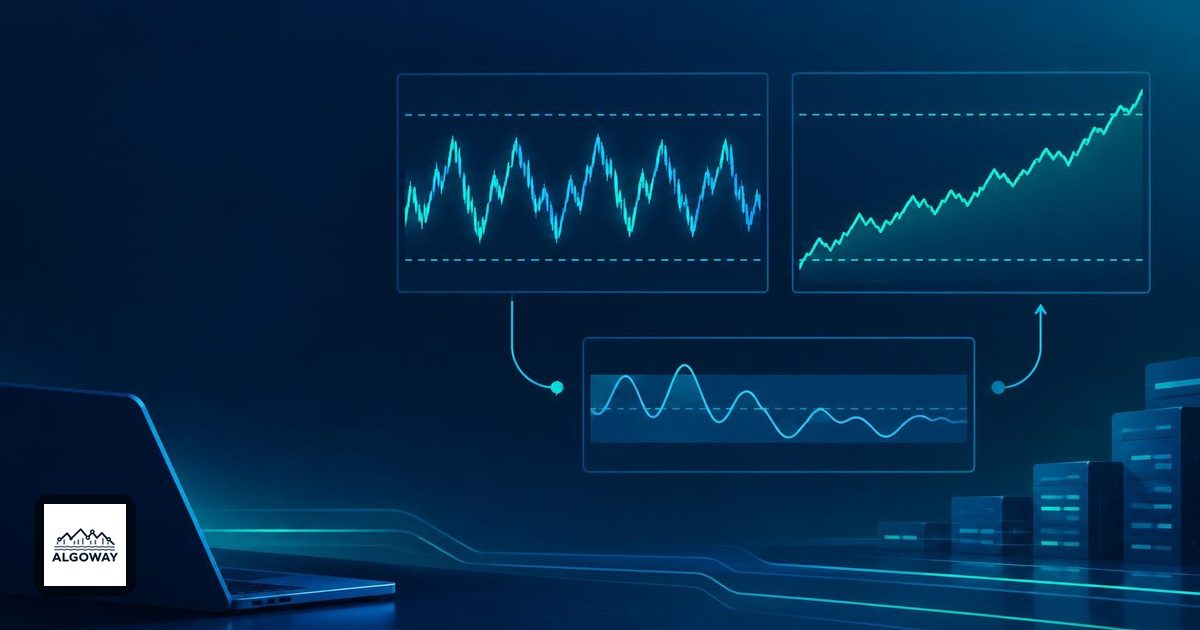
Choppiness Index: Calculate and Use a Trend Filter
Learn how the Choppiness Index compares accumulated movement with price range, and distinguish a trend filter from an entry trigger in TradingView automation.
Read more about Choppiness Index: Calculate and Use a Trend Filter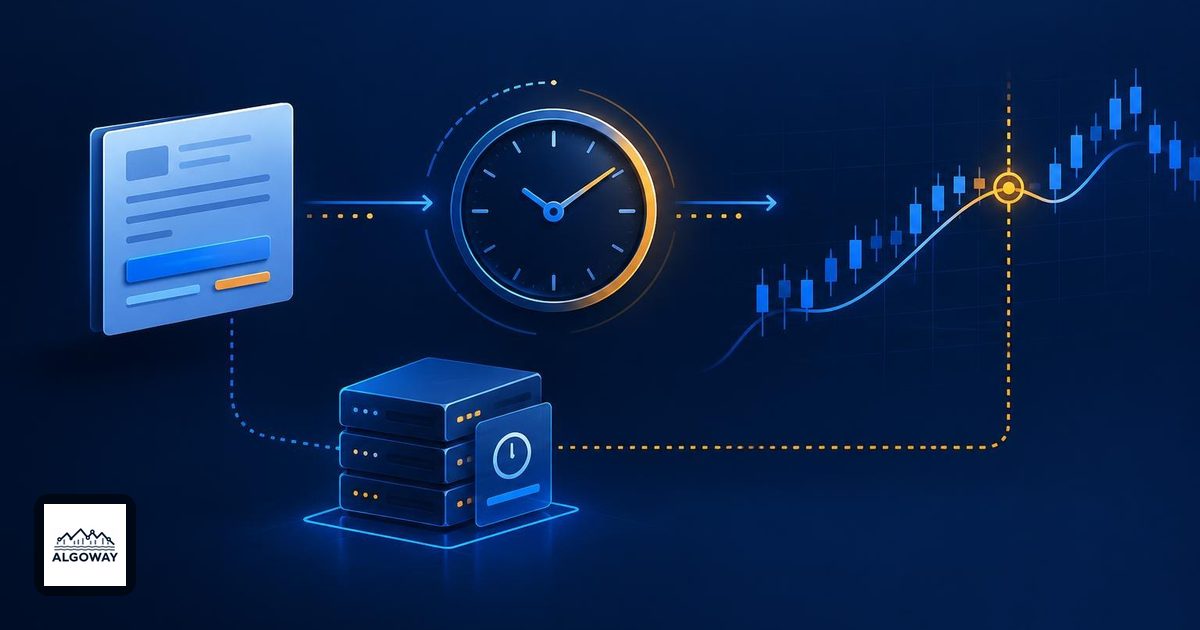
MT5 Strategy Tester Execution Delay: What It Changes
Learn what MT5 Strategy Tester execution delay changes, why pending-order activation differs, and how to compare automated trading tests one setting at a time.
Read more about MT5 Strategy Tester Execution Delay: What It Changes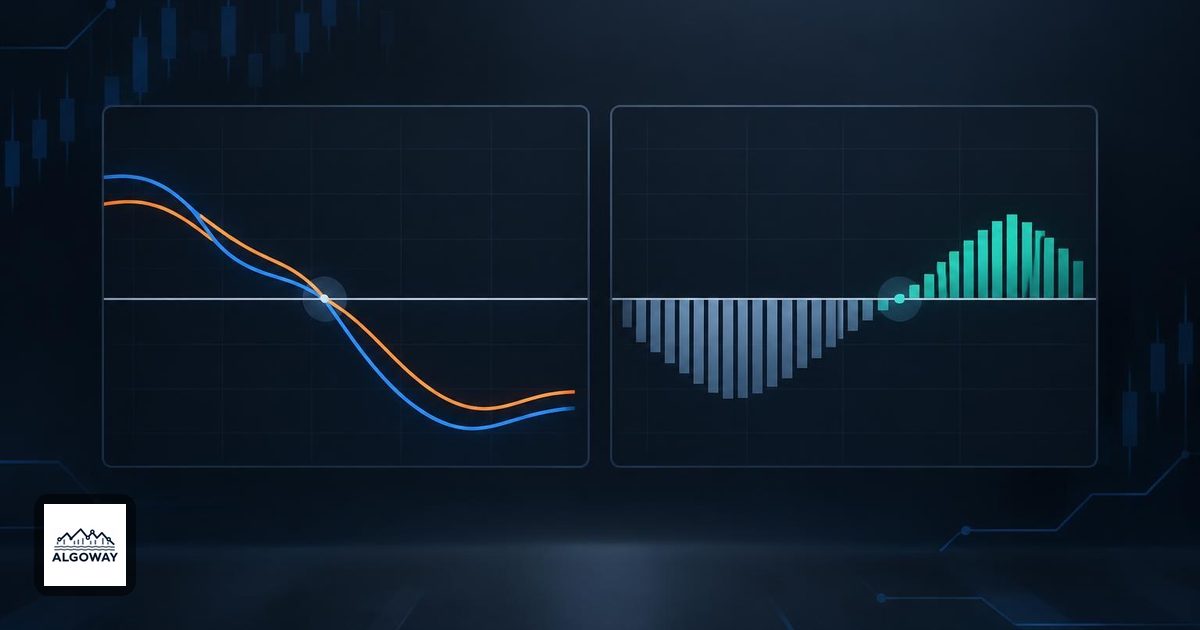
MACD Histogram vs MACD Line: Two Different Zero Crosses
Learn why the MACD histogram can turn positive below a negative MACD line, compare zero-crossing rules, and define precise TradingView automation alerts.
Read more about MACD Histogram vs MACD Line: Two Different Zero Crosses
Partial Take Profits: Calculate the Whole Trade Payoff
Calculate partial take-profit returns with weighted R multiples, compare reversal and continuation outcomes, and check exit quantities in automated trading.
Read more about Partial Take Profits: Calculate the Whole Trade Payoff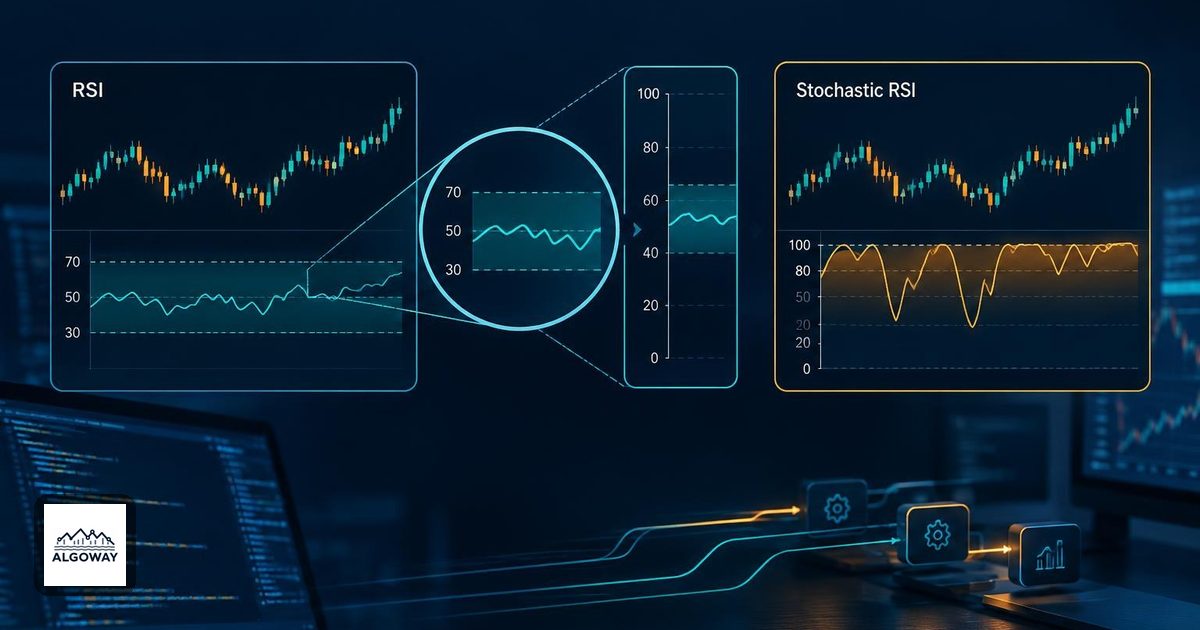
Stochastic RSI vs RSI: Why Overbought Readings Differ
Learn why Stochastic RSI can be overbought while RSI is moderate, calculate the range-based reading, and define precise rules for TradingView automation.
Read more about Stochastic RSI vs RSI: Why Overbought Readings Differ
Pine Script Pyramiding: Entry Count vs Position Size
Learn how Pine pyramiding limits entries, how order quantities accumulate, and why reversals and pending orders need separate TradingView automation checks.
Read more about Pine Script Pyramiding: Entry Count vs Position Size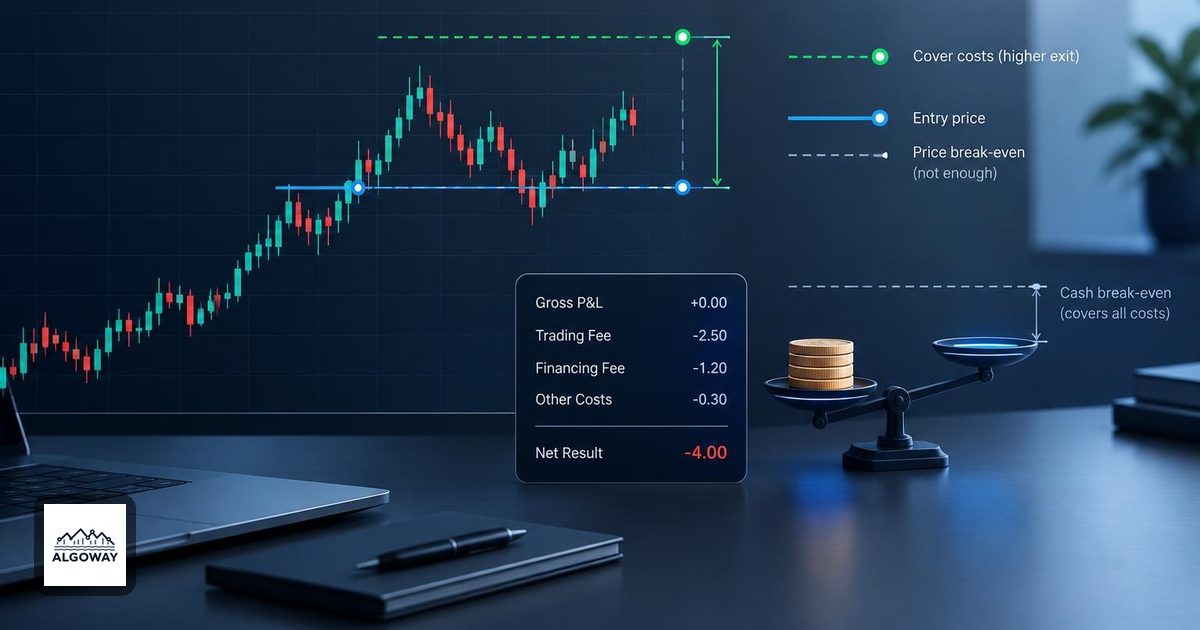
Breakeven Stops: Why an Exit at Entry Can Lose Money
Calculate a cost-adjusted breakeven exit, avoid counting spread twice, and check why an automated stop at entry can still leave a net loss after fees.
Read more about Breakeven Stops: Why an Exit at Entry Can Lose Money
High Profit Factor: Why a Small Trade Sample Misleads
See how a few losing trades can inflate profit factor, calculate its sensitivity to one new loss, and audit an automated strategy beyond a headline ratio.
Read more about High Profit Factor: Why a Small Trade Sample Misleads
Donchian Channel Breakouts: Use the Previous Bar High
Learn why Donchian breakout rules need a prior channel, how high and close conditions differ, and what to define before automating TradingView alerts.
Read more about Donchian Channel Breakouts: Use the Previous Bar High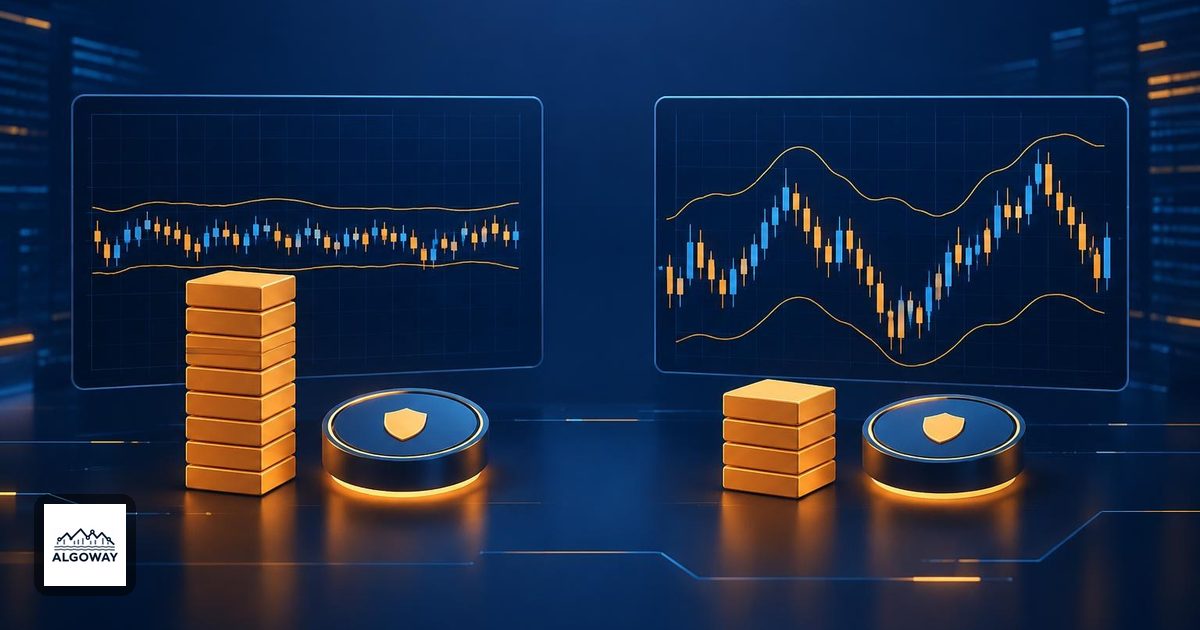
ATR Stop Distance and Position Sizing: Keep Risk Fixed
Calculate ATR stop distance and position size together. See why wider stops need smaller trades, how tick rounding changes risk, and what automation must check.
Read more about ATR Stop Distance and Position Sizing: Keep Risk Fixed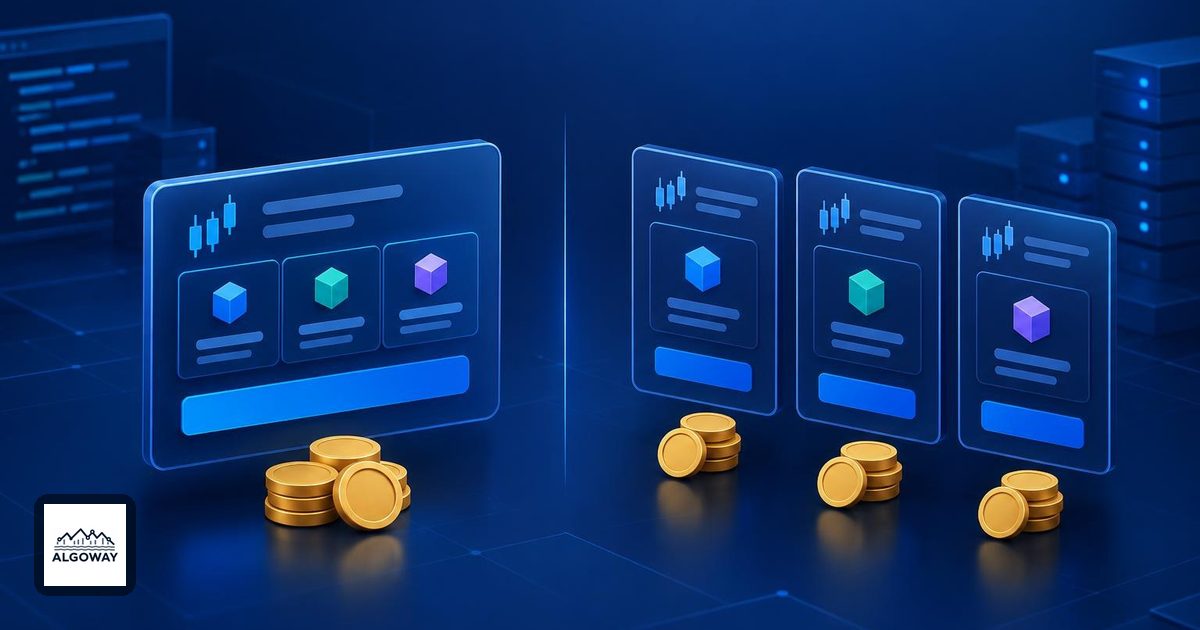
TradingView Commission: Per Order or Per Contract?
Set TradingView strategy commission correctly with per-order, per-contract and percent examples. Check entry and exit fees before automating a strategy.
Read more about TradingView Commission: Per Order or Per Contract?
MT5 Forward Testing: Historical Holdout or Live Data?
Understand what the MT5 Strategy Tester Forward setting actually tests, how to reserve later historical data, and what a separate demo automation test adds.
Read more about MT5 Forward Testing: Historical Holdout or Live Data?
Bollinger Band Squeeze: Why It Cannot Predict Direction
Learn what a Bollinger Band squeeze measures, why narrow bands do not predict breakout direction, and how to define a testable TradingView automation rule.
Read more about Bollinger Band Squeeze: Why It Cannot Predict Direction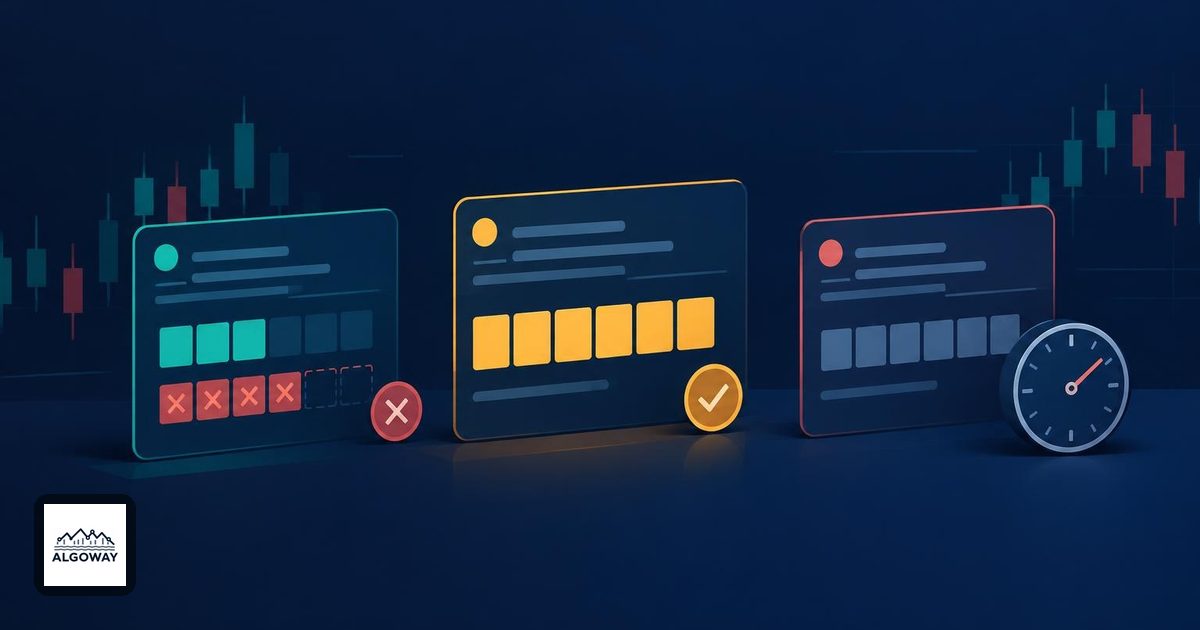
IOC, FOK and GTC Orders: Time in Force and Partial Fills
Compare IOC, FOK and GTC order rules with a partial-fill example. Learn how cancellations, expiry and resting orders affect automated trading workflows.
Read more about IOC, FOK and GTC Orders: Time in Force and Partial Fills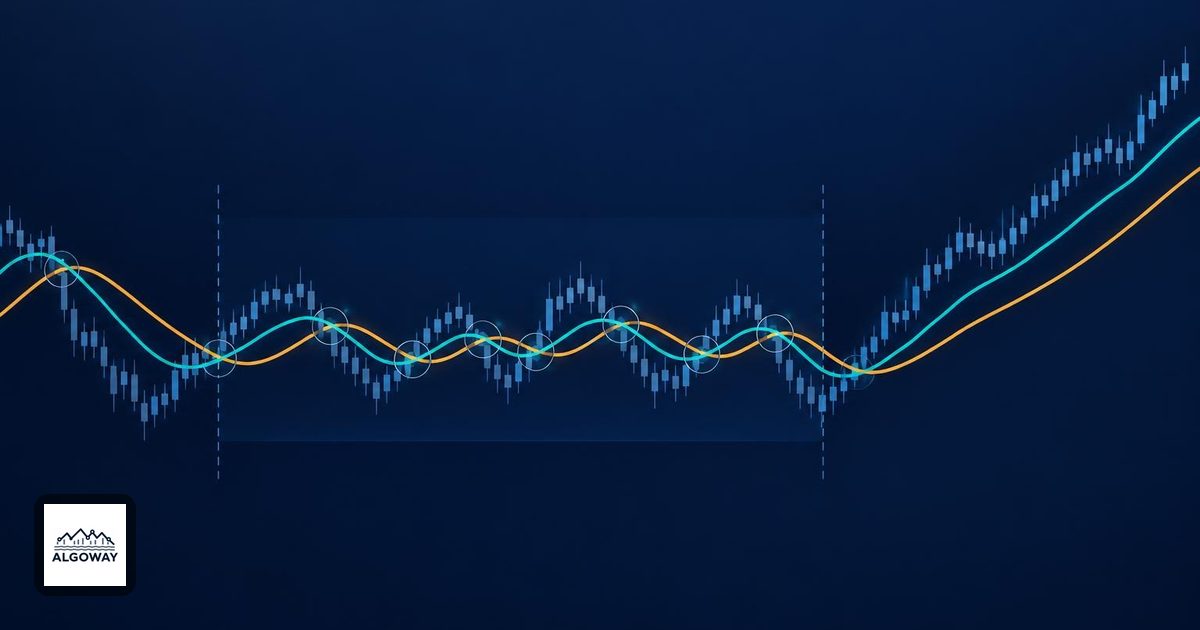
Moving Average Crossover Whipsaws: Causes and Filters
Learn why moving average crossovers whipsaw in sideways markets, how filters change entry timing, and what to define before automating TradingView alerts.
Read more about Moving Average Crossover Whipsaws: Causes and Filters
Trading Drawdown Recovery: Why a 20% Loss Needs 25%
Calculate the gain needed after a trading drawdown, distinguish current from maximum loss, and see how shrinking capital changes automated trade sizing.
Read more about Trading Drawdown Recovery: Why a 20% Loss Needs 25%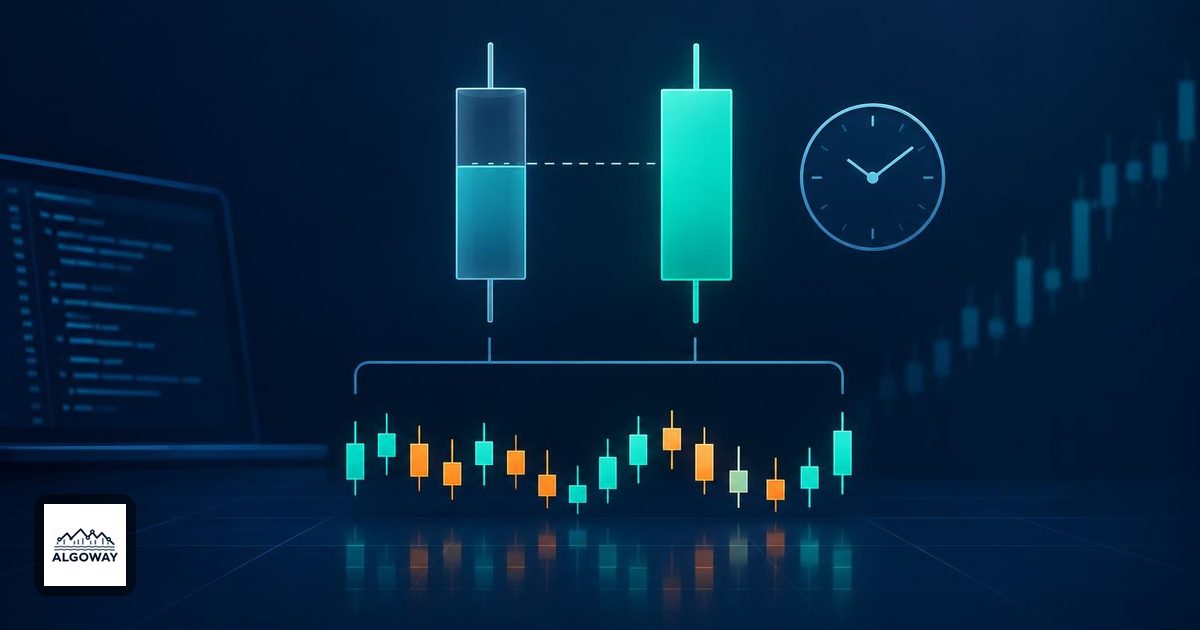
Pine Script Higher-Timeframe Alerts Without Repainting
Learn why chart-bar-close alerts can still repaint with higher-timeframe data, how confirmed Pine requests work, and what their delay means for automation.
Read more about Pine Script Higher-Timeframe Alerts Without Repainting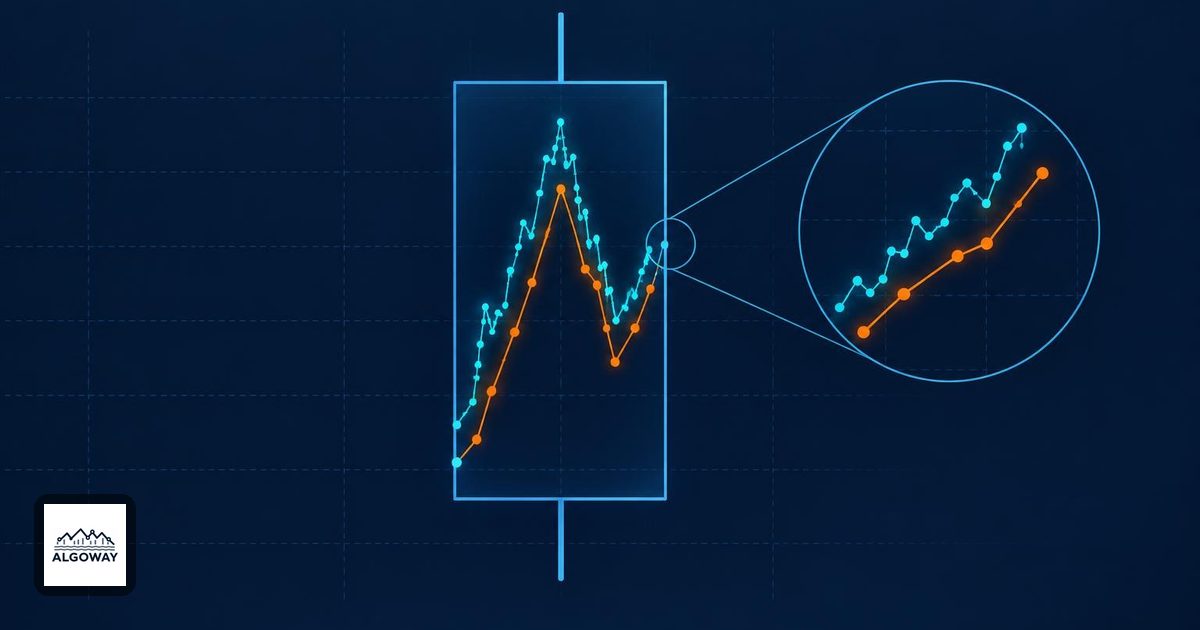
MT5 Real Ticks vs Generated Ticks: Why Tests Disagree
Compare MT5 real ticks with generated ticks, understand spread and missing-history differences, and audit automated strategy tests one changed event at a time.
Read more about MT5 Real Ticks vs Generated Ticks: Why Tests Disagree
ADX Rising in a Downtrend: Trend Strength vs Direction
Learn why ADX can rise while prices fall, how DI lines supply direction, and how to define a clear trend-strength filter before automating trading alerts.
Read more about ADX Rising in a Downtrend: Trend Strength vs Direction
Trading Expectancy: Why a High Win Rate Can Lose Money
Calculate trading expectancy from win rate, average wins, average losses and costs. Use worked examples to find break-even rates and audit trade results.
Read more about Trading Expectancy: Why a High Win Rate Can Lose Money
VWAP Session Resets: Why the Line Starts Over Each Day
Understand why VWAP resets, how session and weekly anchors differ, and why holiday trading days or a fresh average can change your chart comparisons.
Read more about VWAP Session Resets: Why the Line Starts Over Each Day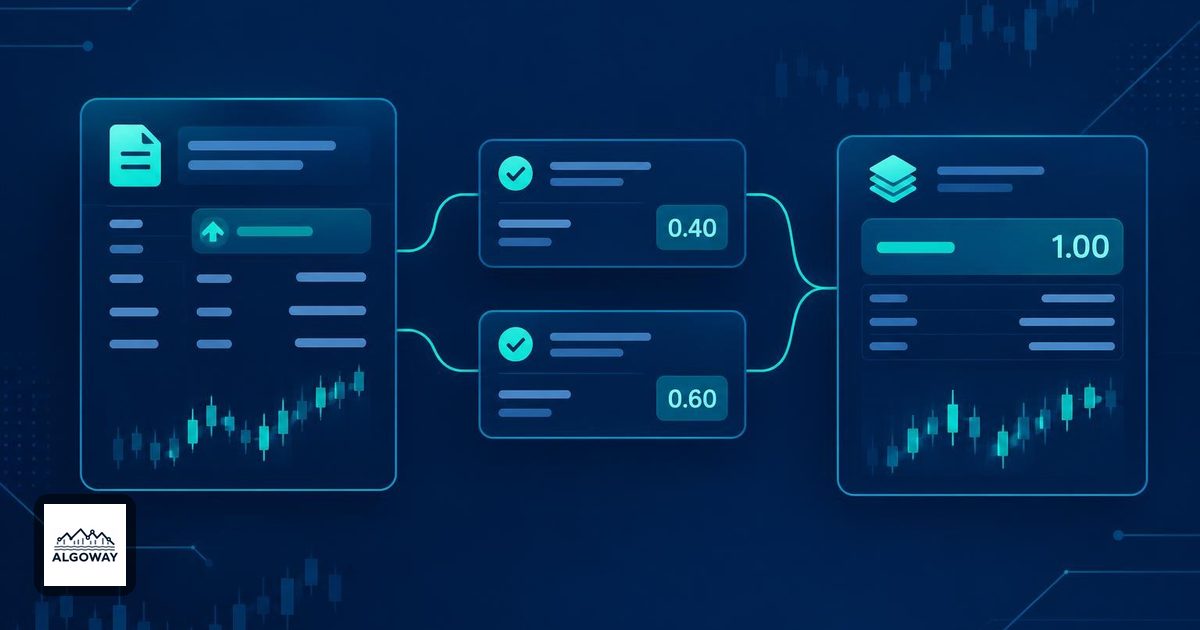
MT5 Orders, Deals and Positions: Read Trade History Clearly
Understand why MT5 order, deal and position counts differ. Trace partial fills, read trade history and reconcile executed volume before resending a signal.
Read more about MT5 Orders, Deals and Positions: Read Trade History Clearly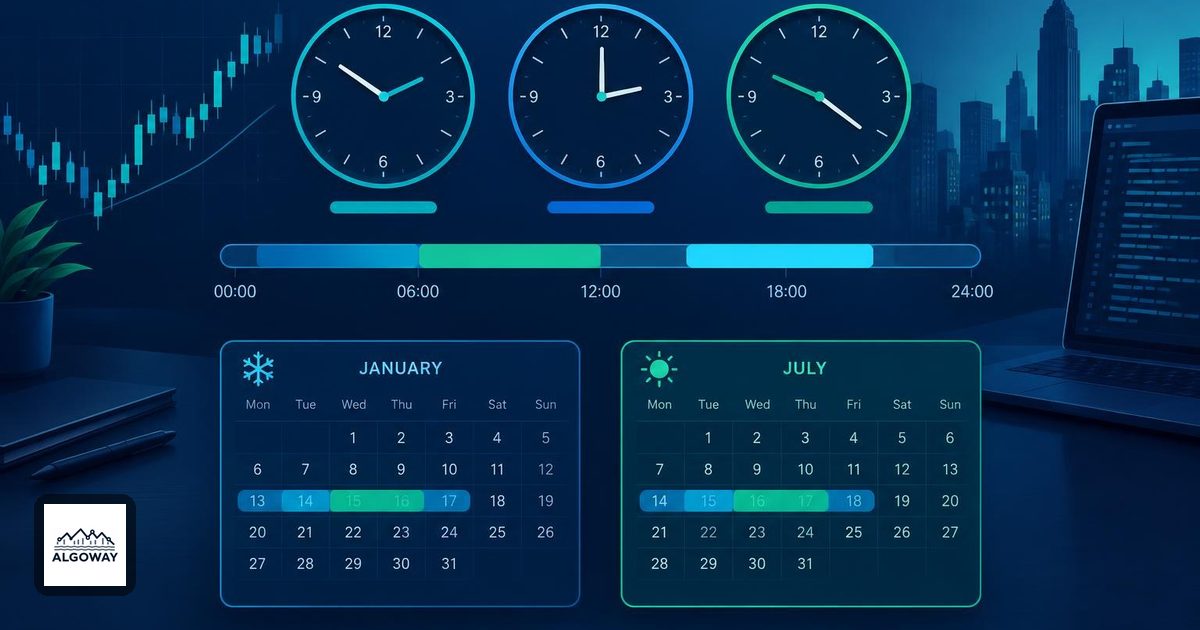
Pine Script Session Timezones: Chart Clock and DST Rules
Learn which timezone Pine Script uses for session filters, why chart time does not change the rule, and how to handle daylight saving and bar boundaries.
Read more about Pine Script Session Timezones: Chart Clock and DST Rules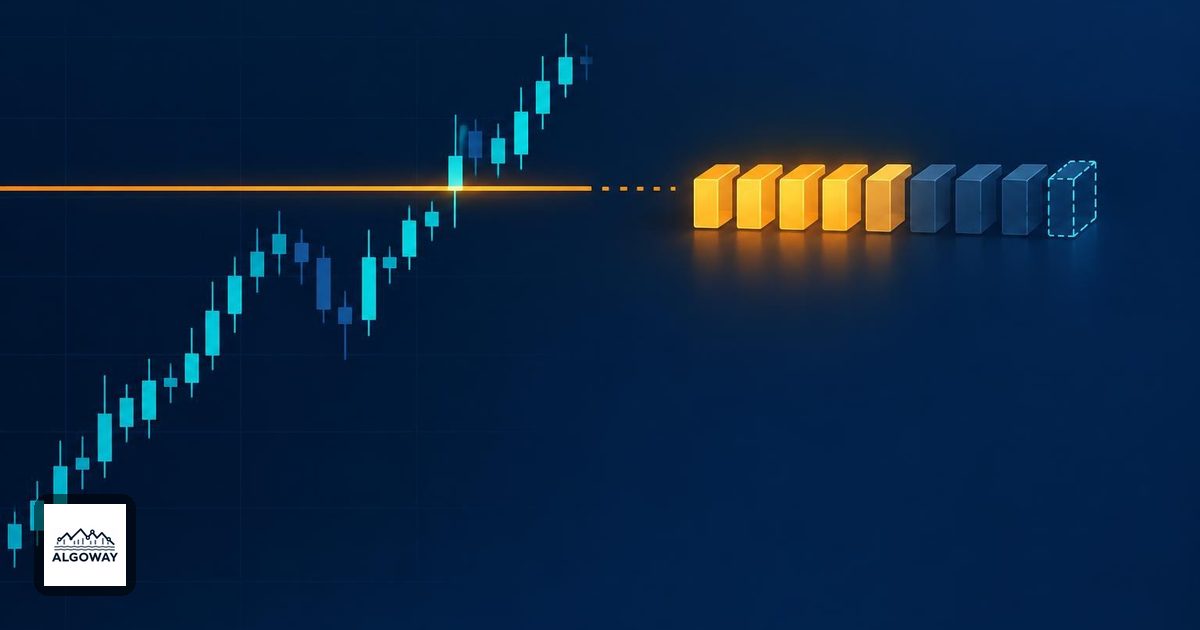
Why Your Limit Order Was Not Filled at the Chart Price
Learn why a chart touching your limit price does not guarantee a fill. Check bid and ask, queue priority, available size, order status and trading sessions.
Read more about Why Your Limit Order Was Not Filled at the Chart Price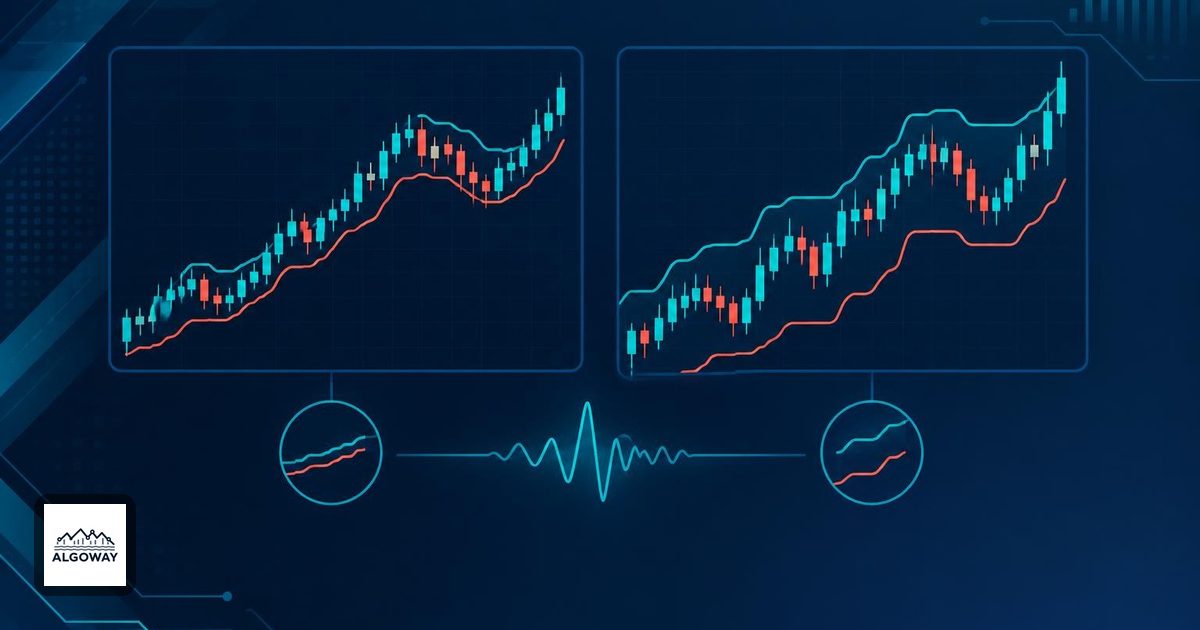
Supertrend Settings: ATR Length and Multiplier Guide
Understand how Supertrend ATR length and multiplier affect bands and trend flips, with a worked example and a practical checklist for comparing settings.
Read more about Supertrend Settings: ATR Length and Multiplier Guide
MT5 Netting vs Hedging: What Opposite Trades Really Do
See how MT5 netting and hedging accounts handle opposite trades, partial closes and position sizes, with examples to check before automating an exit.
Read more about MT5 Netting vs Hedging: What Opposite Trades Really Do
TradingView Bar Magnifier: Why Backtest Fills Change
Understand how TradingView Bar Magnifier changes simulated fills, why some trades stay unchanged, and how to compare results without confusing test settings.
Read more about TradingView Bar Magnifier: Why Backtest Fills Change
Stop-Loss vs Stop-Limit Orders: Understand Gap Risk
Compare stop-loss and stop-limit orders with a price-gap example. Learn why a stop can slip, a limit can remain unfilled, and what to check before trading.
Read more about Stop-Loss vs Stop-Limit Orders: Understand Gap Risk
RSI Overbought and Oversold: Build Clear Trading Rules
Learn what RSI overbought and oversold readings mean, how threshold crossings differ, and how to define clear entry rules before testing or automating.
Read more about RSI Overbought and Oversold: Build Clear Trading Rules
Heikin Ashi Automation: Chart Prices vs Broker Fills
Separate synthetic signal prices from broker fills, check standard OHLC simulation, and audit the entry and protective levels in AlgoWay alerts.
Read more about Heikin Ashi Automation: Chart Prices vs Broker Fills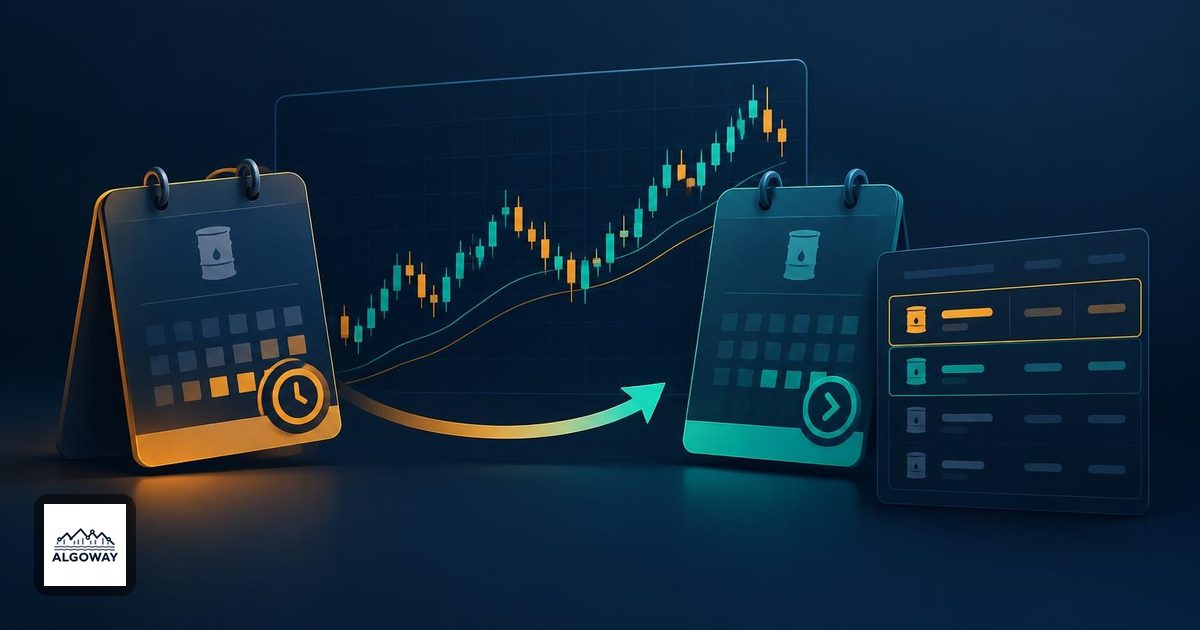
TradingView Futures Rollover: Check Automated Orders
Check chart and execution contracts at futures rollover, review price-based exits, and account for old positions before resuming automated orders.
Read more about TradingView Futures Rollover: Check Automated Orders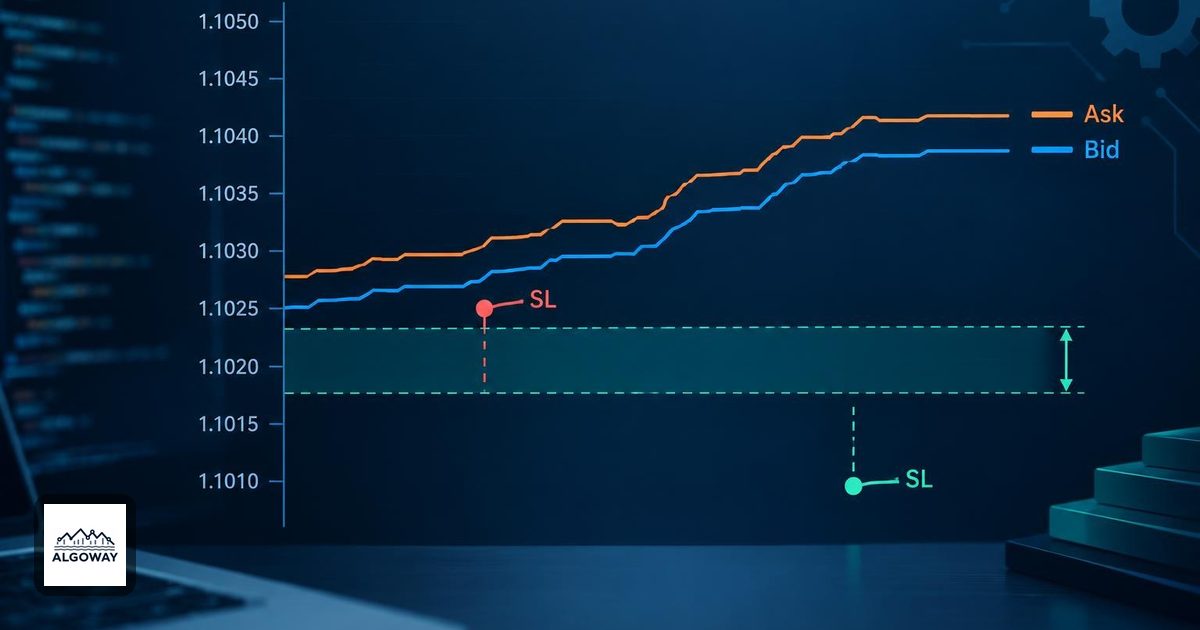
MT5 Invalid Stops: Fix SL/TP Distance and Price Rules
Check invalid SL/TP against the broker's Bid and Ask, stop distance and tick size, then trace the stop settings used by the AlgoWay MT5 EA.
Read more about MT5 Invalid Stops: Fix SL/TP Distance and Price Rules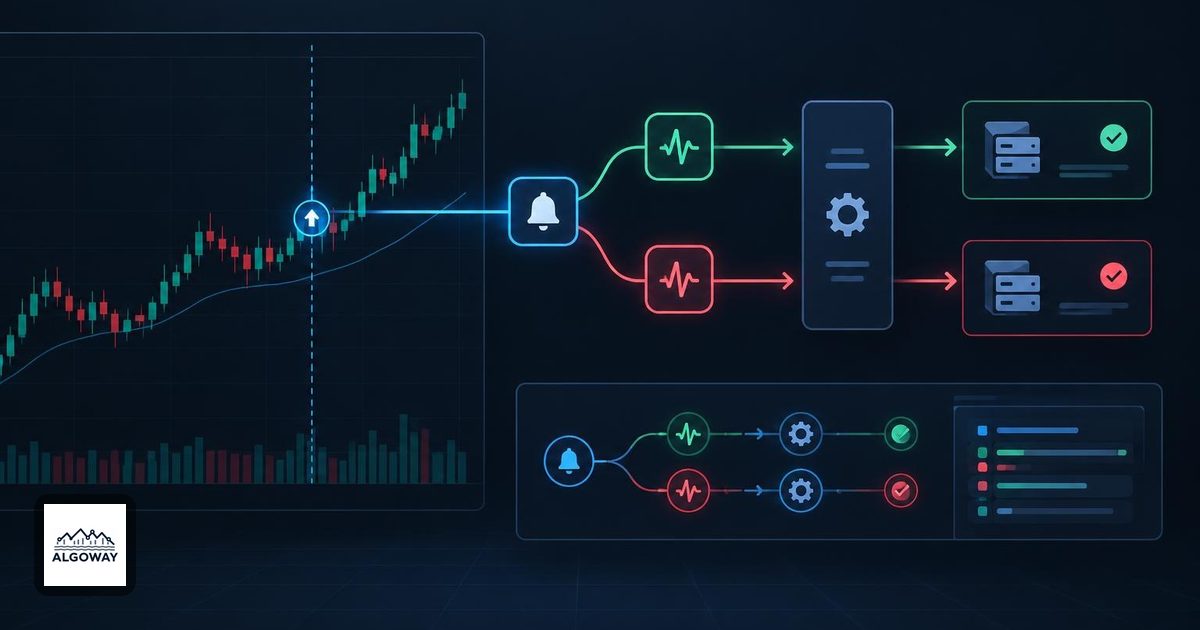
TradingView Duplicate Alerts: Why Orders Fire Twice
Find out whether duplicate orders began as extra alert events, webhook resends or an execution issue. Follow the evidence through AlgoWay logs.
Read more about TradingView Duplicate Alerts: Why Orders Fire Twice
TradingView Strategy Alert Timing: Why Fills Differ
Separate historical trade labels, simulated fills and live execution times. Trace a strategy alert through AlgoWay to find the actual delay.
Read more about TradingView Strategy Alert Timing: Why Fills Differ
TradingView Alerts Use Old Settings: How to Update Them
Replace alerts that retain old script settings, check the outgoing message, and reconcile account state before the new automation takes over.
Read more about TradingView Alerts Use Old Settings: How to Update Them
TradingView Alert Triggered Too Often: Fix and Restart
Diagnose TradingView’s 15-trigger stop, compare AlgoWay logs, reduce repeated signals, and reconcile open positions before restarting.
Read more about TradingView Alert Triggered Too Often: Fix and Restart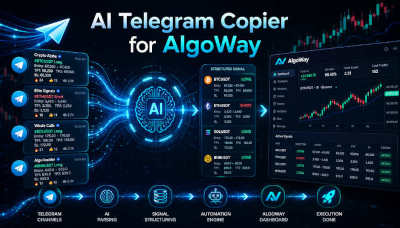
Telegram Copier Duplicate Trades: Causes and Settings
Separate planned multi-target orders from repeated Telegram entries, check total size, and configure the current Duplicate Protection duration.
Read more about Telegram Copier Duplicate Trades: Causes and Settings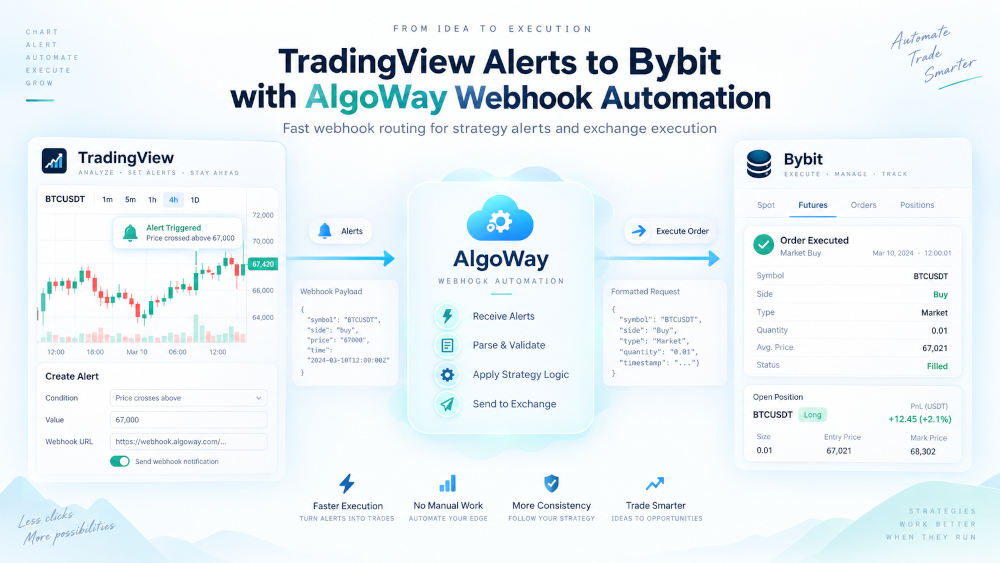
Bybit Full vs Partial TP/SL: AlgoWay Settings and Fixes
Choose Full or Partial protection, modify Bybit stops and targets, and troubleshoot TP/SL limits after repeated entries and partial closes.
Read more about Bybit Full vs Partial TP/SL: AlgoWay Settings and Fixes
Algorithmic Trading Basics: A Practical Introduction
An introduction to trading rules, signal generation, order execution and the role of AlgoWay between a strategy and a trading account.
Read more about Algorithmic Trading Basics: A Practical Introduction
AlgoWay vs PineConnector: Features, Pricing and Platform Support
A direct comparison of pricing, MetaTrader support, additional destinations and the way each service handles TradingView alerts.
Read more about AlgoWay vs PineConnector: Features, Pricing and Platform Support
AlgoWay Pricing: Routes, VPS and Clone Mode
Explains what a paid route includes, when a private MT5 VPS is needed and how Clone mode is charged.
Read more about AlgoWay Pricing: Routes, VPS and Clone Mode
Using AlgoWay with OANDA and Other MT5 Brokers
Explains what depends on the broker, how symbol names are mapped and what must be configured inside MetaTrader 5.
Read more about Using AlgoWay with OANDA and Other MT5 Brokers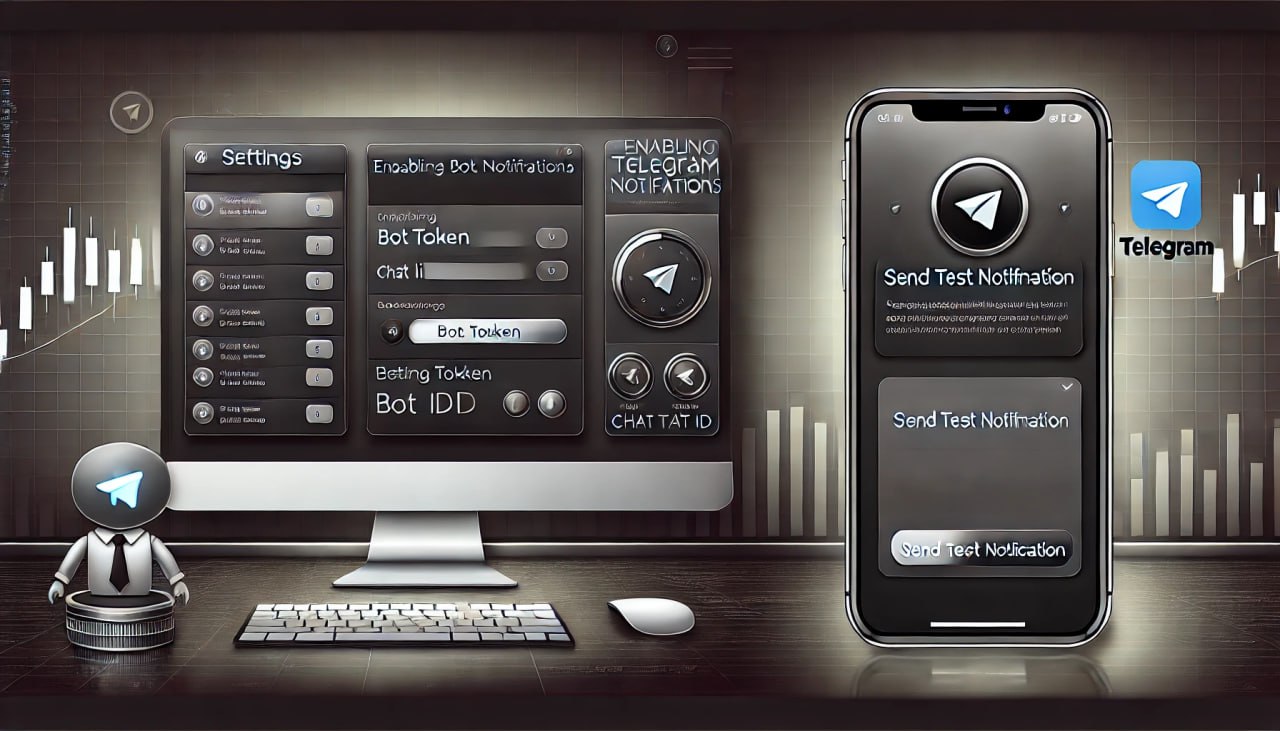
Set Up Telegram Notifications in AlgoWay
Create a Telegram bot, find the chat ID and connect it to AlgoWay so account and route events can be delivered to Telegram.
Read more about Set Up Telegram Notifications in AlgoWay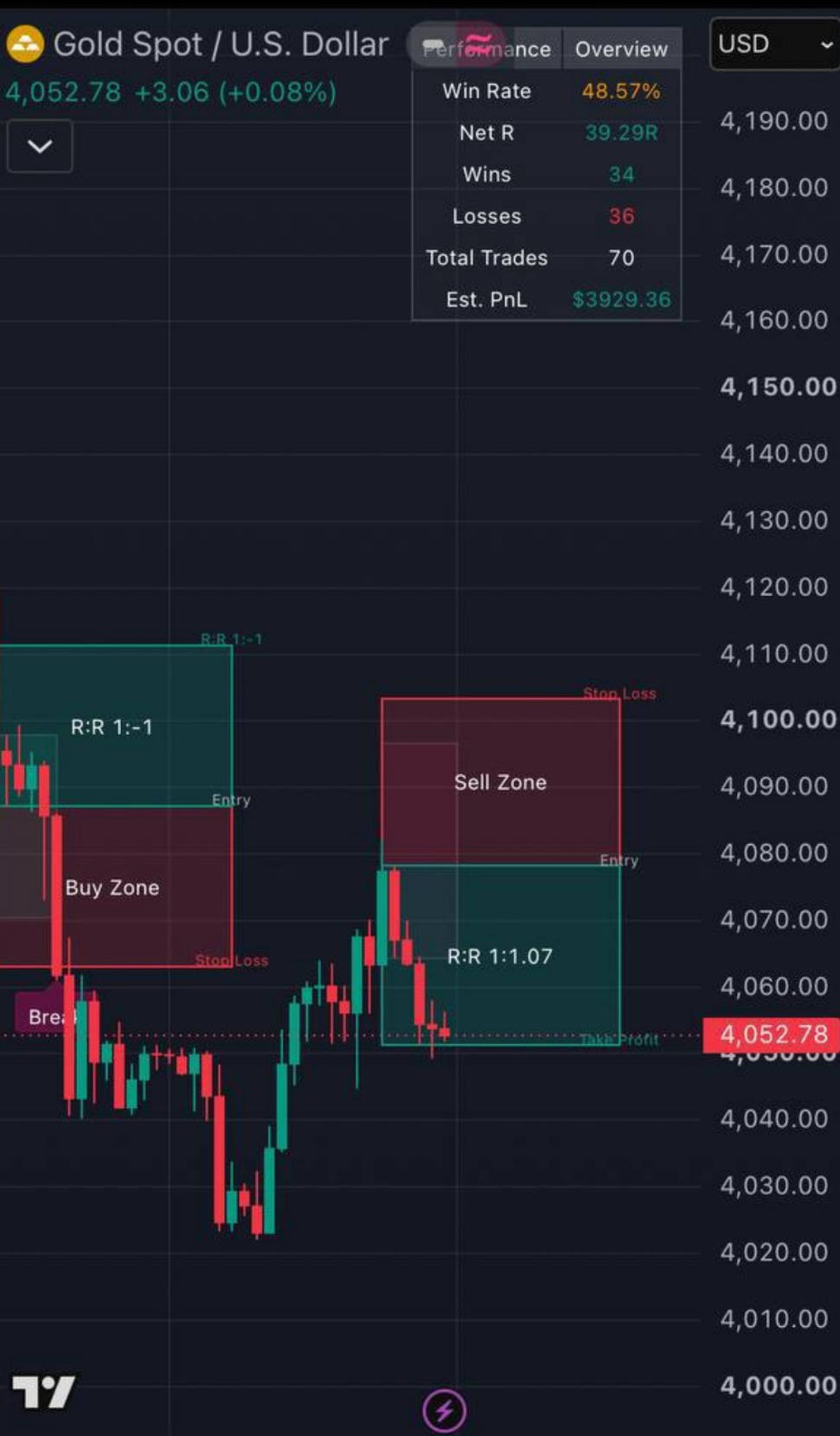
TradingView Indicator to MT5 with 1% Risk
Automate TradingView indicator alerts with dynamic Stop Loss and Take Profit, using MT5 risk-percent position sizing.
Read more about TradingView Indicator to MT5 with 1% Risk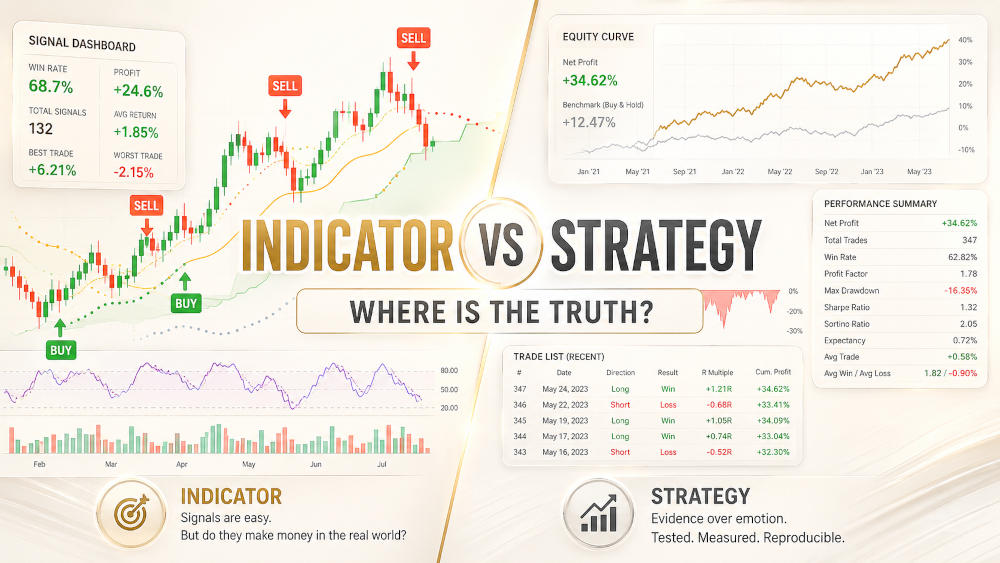
TradingView Indicator vs Strategy: Backtesting Explained
Understand the difference between TradingView indicators and strategies, including backtests, performance claims and verification.
Read more about TradingView Indicator vs Strategy: Backtesting Explained
Turn a TradingView Indicator into a Strategy
Shows the difference between indicator alerts and strategy orders, and explains the available options for sending both through AlgoWay.
Read more about Turn a TradingView Indicator into a Strategy
How the cTrader Connector Works
Explains how AlgoWay sends orders to cTrader and how open, close and position-management commands are handled.
Read more about How the cTrader Connector Works
Algorithmic Trading Without Rose-Colored Glasses: How to Avoid Falling for Fake Gurus
A practical look at unrealistic promises, unverifiable results and the checks traders should make before trusting a strategy seller.
Read more about Algorithmic Trading Without Rose-Colored Glasses: How to Avoid Falling for Fake Gurus
Install the AlgoWay MT5 Expert Advisor
Install the EA in MetaTrader 5, attach it to a chart and verify that it can receive commands from an AlgoWay route.
Read more about Install the AlgoWay MT5 Expert Advisor
TradeLocker Stop Loss and Take Profit Settings
Explains absolute prices, distance-based values and the fields used to send Stop Loss and Take Profit instructions to TradeLocker.
Read more about TradeLocker Stop Loss and Take Profit Settings
MT5 Stop Loss and Take Profit from TradingView Alerts
Shows how Stop Loss and Take Profit values from an alert are passed to MetaTrader 5 and applied by the AlgoWay EA.
Read more about MT5 Stop Loss and Take Profit from TradingView Alerts
How Trade Automation Tools Mislead You About Speed
Understand misleading millisecond execution claims and the difference between webhook processing time and real trade execution.
Read more about How Trade Automation Tools Mislead You About Speed
Risk Management in the AlgoWay MT5 EA
Explains position size, Stop Loss, Take Profit, trailing stop, close commands and the EA settings that affect order handling.
Read more about Risk Management in the AlgoWay MT5 EA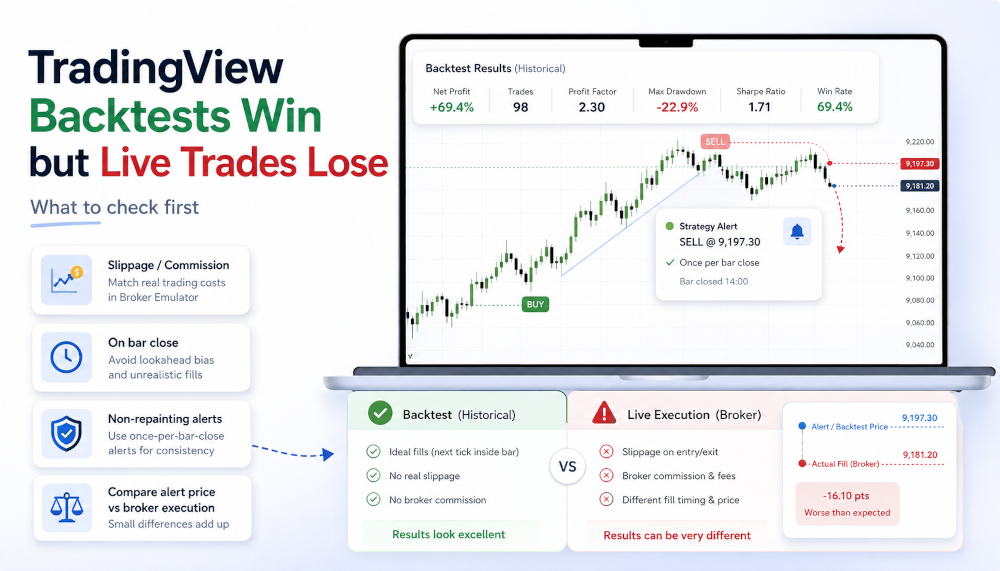
TradingView Backtest vs Live Trading Results
Learn why profitable TradingView backtests can differ from live execution. Check repainting, slippage, spreads and alert timing.
Read more about TradingView Backtest vs Live Trading Results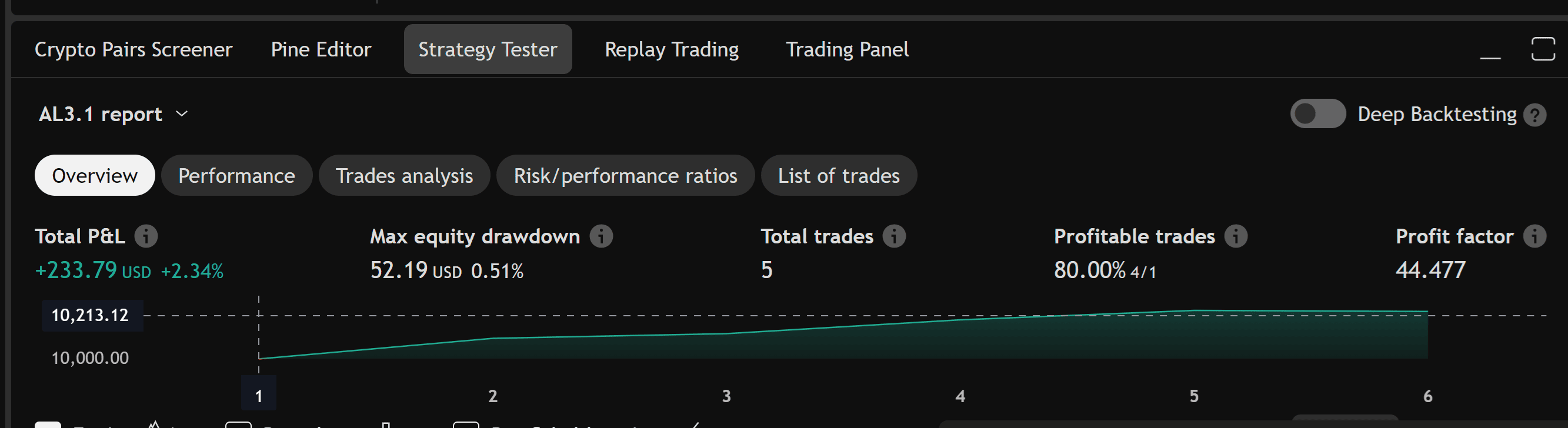
TradingView Backtesting and AlgoWay Trade Metrics
Shows how to compare TradingView strategy results with the trades and execution details recorded by AlgoWay.
Read more about TradingView Backtesting and AlgoWay Trade Metrics
Alpaca Instrument Fields and Symbol Rules
Explains the instrument data returned by Alpaca, including trading status, shortability and the symbol fields used by AlgoWay.
Read more about Alpaca Instrument Fields and Symbol Rules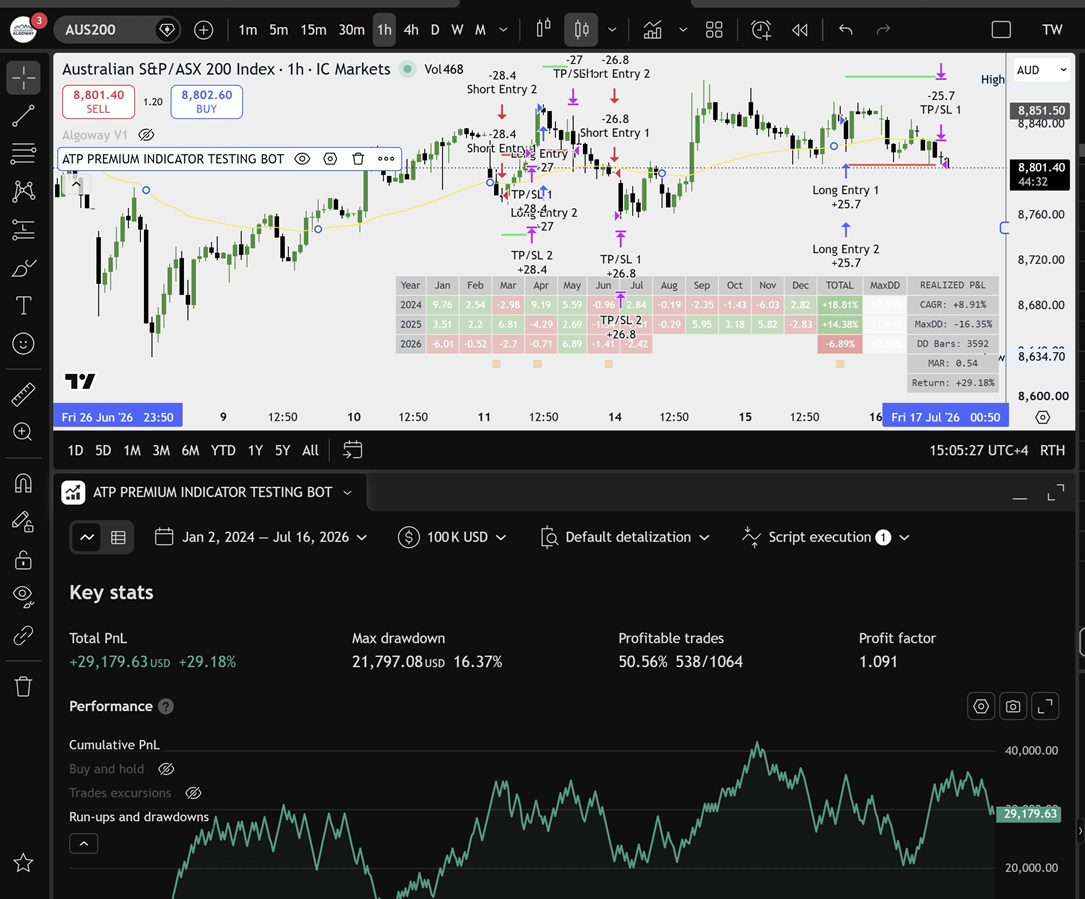
ATP Premium Indicator Testing Bot and AlgoWay
Explore TradingView strategy testing with the ATP Premium Indicator Testing Bot and automated alert execution through AlgoWay.
Read more about ATP Premium Indicator Testing Bot and AlgoWay
Configure ATP Premium Indicator Alerts for MT5
Create separate alerts for the indicator events and map entry, exit, Stop Loss and Take Profit actions to AlgoWay messages.
Read more about Configure ATP Premium Indicator Alerts for MT5
Python Trading Bot Webhook Integration
Connect Python trading strategies to MT5, cTrader, TradeLocker, futures and crypto platforms through AlgoWay webhooks.
Read more about Python Trading Bot Webhook Integration
AlgoWay MT5 EA Parameters
Explains the available EA inputs and how each setting changes order execution, risk controls and route behavior.
Read more about AlgoWay MT5 EA Parameters
AlgoWay MT5 EA v1.90 Guide
Documents the settings and behavior introduced in version 1.90 of the AlgoWay MetaTrader 5 Expert Advisor.
Read more about AlgoWay MT5 EA v1.90 Guide
Use TrendSpider Alerts with AlgoWay
Prepare a TrendSpider webhook message and route the resulting signal to a supported broker, terminal or exchange.
Read more about Use TrendSpider Alerts with AlgoWay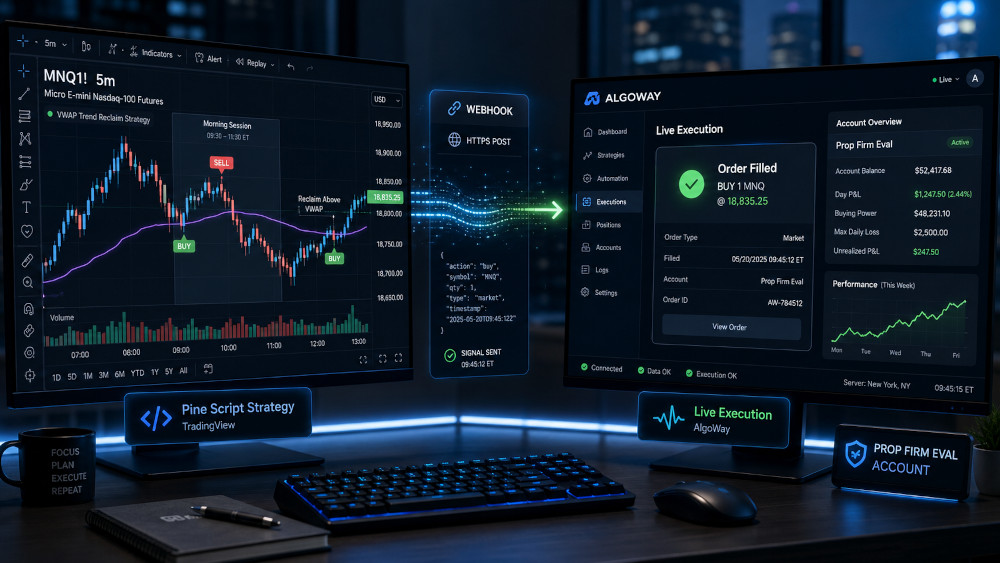
Automating Prop Firm Evaluations with TradingView
Learn how to connect Pine Script strategies to AlgoWay for automated execution on supported prop-firm trading platforms.
Read more about Automating Prop Firm Evaluations with TradingView
Prop Firms for EA and Copy Trading in 2026
Compare prop firms, their supported trading platforms and the rules governing Expert Advisors, trade copying and automation.
Read more about Prop Firms for EA and Copy Trading in 2026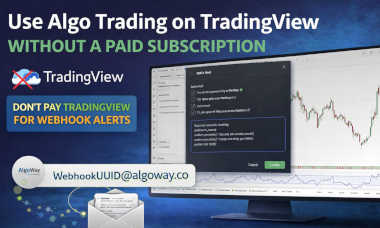
Use TradingView Alerts Without a Paid Webhook Plan
Explains the email-based route, when it is available and the limitations compared with direct webhook delivery.
Read more about Use TradingView Alerts Without a Paid Webhook Plan
Send TradingView Alerts by Email to AlgoWay
Shows how an alert email can be converted into an AlgoWay request when direct webhook delivery is unavailable.
Read more about Send TradingView Alerts by Email to AlgoWay
Buy an AlgoWay Route via Buy Me a Coffee
Explains the manual purchase and activation process for users who cannot use the standard payment method.
Read more about Buy an AlgoWay Route via Buy Me a Coffee
Automate TradingView Alerts with AlgoWay
An overview of the complete path from a TradingView condition to an order on a supported broker, terminal or exchange.
Read more about Automate TradingView Alerts with AlgoWay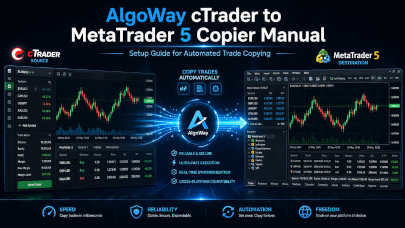
Copy cTrader Trades to MetaTrader 5
Set up cTrader as the source, MetaTrader 5 as the destination and verify how open and close events are copied.
Read more about Copy cTrader Trades to MetaTrader 5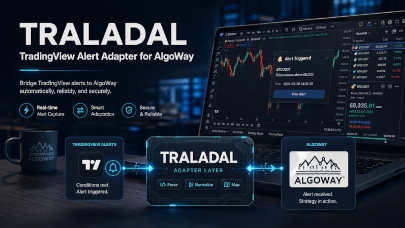
TRALADAL: TradingView Alert Adapter for AlgoWay
Explains how TRALADAL reads exposed indicator values, creates testable signals and sends structured alerts to AlgoWay.
Read more about TRALADAL: TradingView Alert Adapter for AlgoWay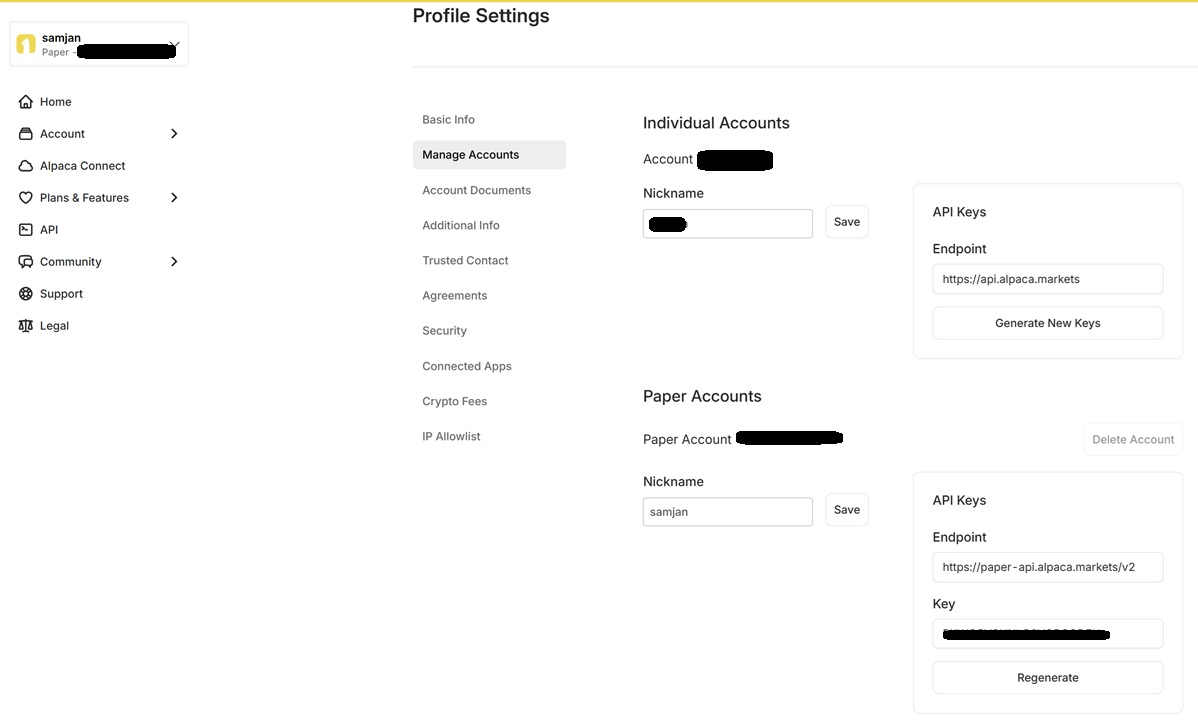
Four AI Agents Compare TradingView to Alpaca
Explore how four AI agents evaluated TradingView-to-Alpaca guides and what their assessments reveal about technical documentation.
Read more about Four AI Agents Compare TradingView to Alpaca
Elixo AI: Smarter Crypto Trading Automation
Explore Elixo AI's DCA bots, AI trade analysis, pair trading, futures arbitrage and funding-rate strategies in one crypto automation platform.
Read more about Elixo AI crypto trading automation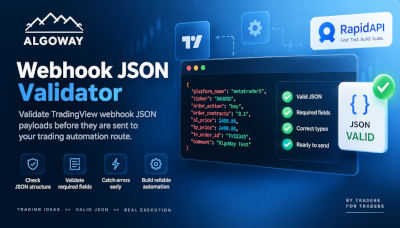
AlgoWay Webhook JSON Validator on RapidAPI
Validate TradingView webhook JSON, check trading payload fields and test automation-ready JSON with the public AlgoWay API on RapidAPI.
Read more about AlgoWay Webhook JSON Validator on RapidAPI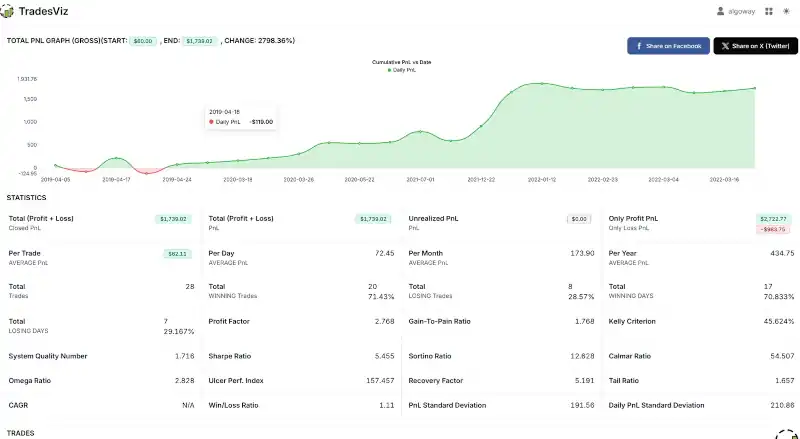
IronBot Trading Journal Dashboard
Explore IronBot, a trading journal dashboard for reviewing trades, tracking performance and analyzing trading results in one place.
Read more about IronBot Trading Journal Dashboard
Why Blocking Repeat Trades Can Break TradingView Strategies
Discover why blocking repeated TradingView alerts can disrupt pyramiding, multi-position strategies and independent stop-loss or trailing-stop execution.
Read more about repeat trade blocking and TradingView strategiesAlgoWay Blog
Explore trading strategies, market structure, backtesting, live execution differences, and trading automation guides. Connection manuals for 24 platforms are at AlgoWay Docs.
