AlgoWay Blog
Guides, manuals and platform references.
Core
- All articles
- FAQ
- PineConnector alternative
- TradersPost alternative
- Automate TradingView alerts
- Automate Telegram signals
- AlgoWay CopyTrader
- cTrader Copier
- TrendSpider with AlgoWay
- How to Automate a TradingView Indicator with Dynamic SL/TP and 1% Risk on MT5
JSON & Alerts
- JSON schema
- Manual alerts
- TradingView without paid subscription
- AlgoWay Strategy Integration in Pine Script
- Python Trading Bot Webhook Integration
- TRALADAL - TradingView Alert Adapter
- TradingView Order Action Alert
MT5 / Expert Advisors
Errors
Integrations
- MetaTrader 5
- Tradovate
- TradeLocker
- Match-Trader
- DXtrade
- Capital.Com
- Binance
- Bybit
- MEXC
- OKX
- Bitget
- Hyperliquid
- BingX
- Alpaca
- Interactive Brokers
- Gate.io
- Coinbase
- TooBit
- WEEX
- ProjectX
- cTrader logic
Other Publications
- MT5 EA Webhook JSON Reference
- OANDA MT5 with AlgoWay
- Buy Webhook via Buy Me a Coffee
- AlgoWay vs PineConnector
- Compare AlgoWay with other trading automation tools
- AlgoWay Red News Filter
- Why Paid Trading Indicators Avoid Verifiable Backtests
- How Trade Automation Tools Mislead You
- utomating a Prop-Firm Eval End to End:
- ATP Premium Indicator Testing Bot
- Why TradingView Backtests Win but Live Trades Lose
- Best Prop Firms for Trading Automation and Telegram Signal Copy in 2026
- Four AIs, One Trader, and the Strange Case of TradingView to Alpaca
- TradingView Automation
AlgoWay Strategy Lab
Why Your Limit Order Was Not Filled at the Chart Price
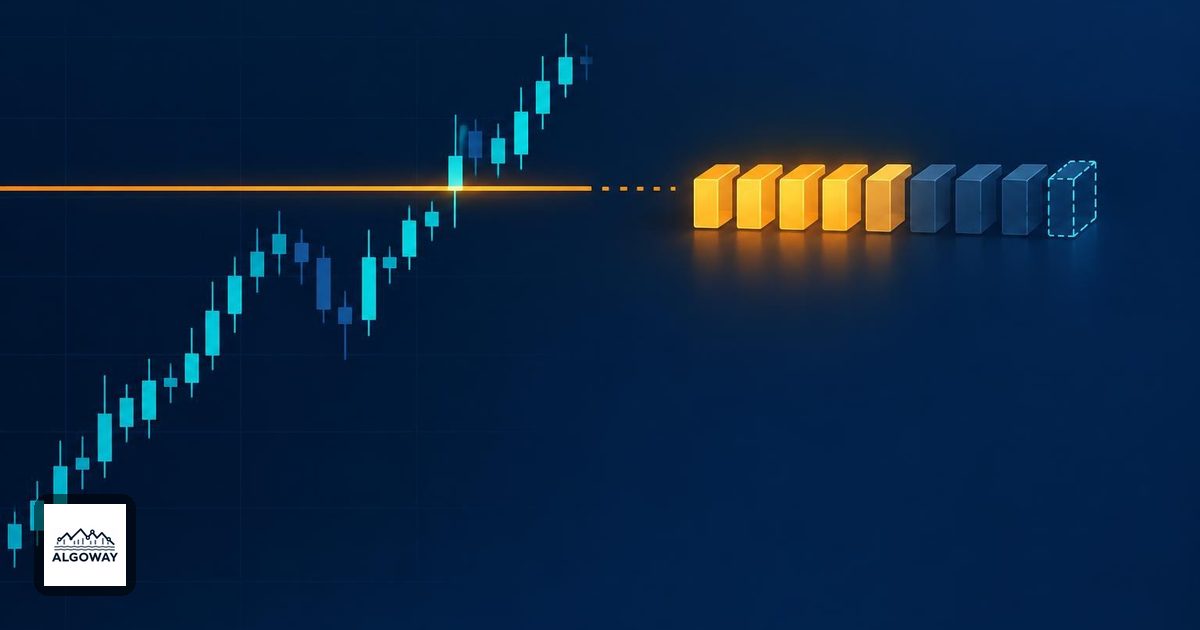
The candle touched your price. The order is still waiting. That can be perfectly consistent: a chart records prices, while an execution requires an eligible order to meet enough matching interest under the market's rules.
A limit price restricts the price you will accept; it does not reserve a fill. A buy limit permits execution at that price or lower, and a sell limit at that price or higher. The SEC's limit-order explanation explicitly distinguishes price protection from guaranteed execution.
First identify what actually touched the line
Was it a last trade, a Bid quote, an Ask quote, or a derived chart value? These are different observations. For an immediately marketable buy, the available selling price matters; for an immediately marketable sell, the available buying price matters. Investor.gov explains the distinction between the last-traded price and current Bid or Ask.
Consider a hypothetical buy limit at 100.00 when Bid is 100.00 and Ask is 100.04. A Bid-based chart touching 100.00 does not show anyone currently offering to sell at 100.00. Your order may wait for a seller rather than cross the spread. Reverse the reasoning for a sell limit: an Ask quote reaching your price is not proof of an available buyer there.
A trade print at 100.00 is stronger evidence that someone traded at the level, but still does not prove your order could receive that trade. Check the exact instrument, contract month, venue or feed, and timestamp. Your order might have arrived afterward. In fragmented stock markets, brokers can route to different execution destinations, as described in Investor.gov's order-execution overview.
Enough traded for someone, but perhaps not for you
At a price-time-priority venue, earlier resting orders at the same price are served before later ones. Suppose there are 20 contracts ahead of your 5-contract buy order at 100.00. Ignore cancellations and other complications for this illustration.
- If an incoming seller trades 12 contracts into that price, all 12 go to orders ahead of yours. Your fill is zero.
- If instead 23 contracts trade against that queue, the earlier 20 are filled and your order receives 3. You still have 2 waiting.
In both cases the chart can show 100.00. It cannot tell you from that price alone whether your order received zero, three or five contracts.
This example assumes FIFO, not a universal exchange rule. CME documents both FIFO and hybrid FIFO/pro-rata allocation in its explanation of agricultural market matching. Under other allocation methods, size and additional priority rules can matter. Identify the instrument's actual matching rules before treating “first in line” as a complete explanation. Broker-managed OTC execution also need not behave like this exchange queue.
A visible order may not be eligible to trade yet
Check the destination's order record, not only the line drawn on a chart. Submitted, accepted, working, partially filled, cancelled and rejected describe different events, although platforms use different labels. A local request to place an order is not itself an execution report.
Session permissions also matter. For example, IBKR exposes a setting for fills outside regular trading hours, with availability depending on the product. Its outside-RTH documentation describes that setting. An extended-hours print does not establish that your regular-session-only order was eligible then.
Inspect the expiry, remaining quantity and any additional conditions. If the order is actually a stop-limit, first establish whether its trigger activated the limit order. That is a separate problem covered in our stop-loss versus stop-limit guide.
Use an execution timeline, not a screenshot verdict
For one disputed fill, collect this small record from your own platform:
- The exact instrument and order side, limit price, quantity and session instructions.
- The destination's acceptance time and later order-state changes, using a consistent timezone.
- Bid, Ask and actual trades around the event, with the data feed identified.
- Any execution reports, cumulative filled quantity and remaining quantity.
This separates “the order was not working” from “the order was working but received no allocation.” If the records still show an unexplained non-fill, give that timeline to the broker. Do not assume queue priority excuses every case, especially where reliable execution-venue data shows sustained trading through an eligible working limit.
A backtest fill is a different kind of evidence. A simulator's assumptions can award a fill that the live order never received. Our TradingView Bar Magnifier guide explains how simulated intrabar paths affect results; more detailed simulation still does not establish your live queue position.
If you decide to cancel and replace an order, confirm the cancellation and reconcile any fills before sending another. Investor.gov's online-investing guidance calls out that cancellation check. A missing fill is frustrating. Two unintended orders are a more expensive way to express the frustration.
