AlgoWay Blog
Main clusters and core pages.
Core
- All articles
- FAQ
- PineConnector alternative
- Automate TradingView alerts
- Automate Telegram signals
- AlgoWay CopyTrader
- cTrader Copier
- Trendspider with AlgoWay
JSON & Alerts
- JSON schema
- Manual alerts
- TradingView without paid subscription
- AlgoWay Strategy Integration in Pine Script
MT5 / Expert Advisors
Errors
Integrations
Hedge, Reverse, and Opposite Modes in AlgoWay
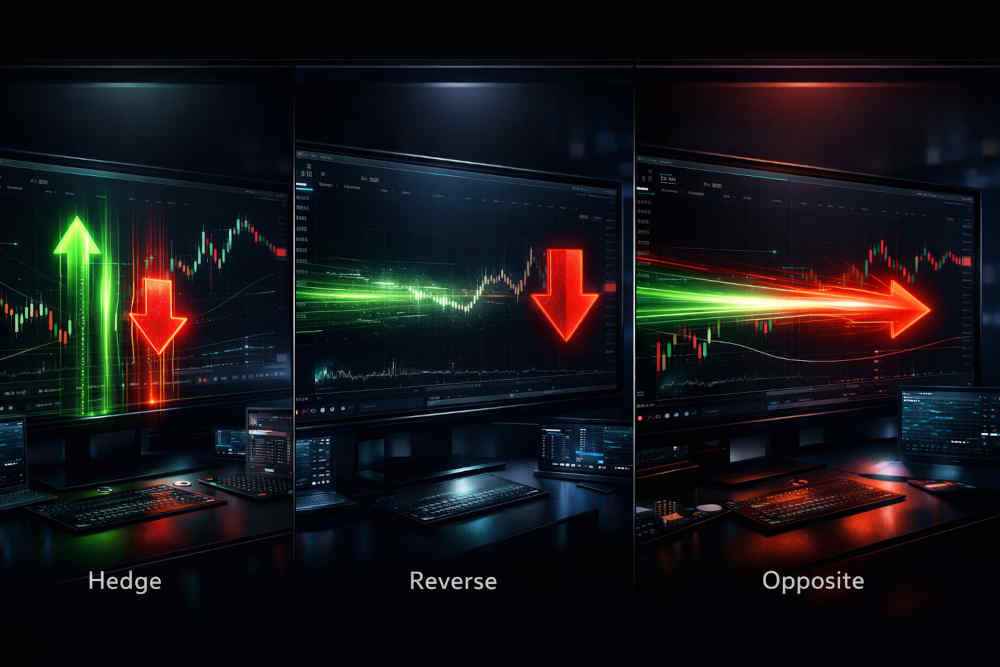
When an opposite signal appears while a position is already open, AlgoWay can react in different ways depending on the selected mode. The three main behaviors are Hedge, Reverse, and Opposite.
These modes define what happens when, for example, you already have a BUY position on a symbol and a new SELL signal arrives.
Last updated: 2026-03-21 • Author: AlgoWay
1. Hedge Mode
The Hedge option allows opposite positions on the same symbol to stay open at the same time. Instead of merging, reducing, or closing the current trade, AlgoWay opens the new trade as a separate position.
- You already have a BUY on EURUSD.
- A new SELL signal arrives.
- With Hedge = ON, the BUY remains open and AlgoWay opens a separate SELL.
This mode is useful when your strategy intentionally allows both directions to remain open, and your broker/account supports hedging.
2. Reverse Mode
Reverse mode closes the current position first when an opposite signal arrives. However, it does not automatically open a new position in the opposite direction unless a separate new entry is triggered.
- You already have a BUY on EURUSD.
- A new SELL signal arrives.
- AlgoWay closes the BUY.
- No SELL is opened immediately.
- A new SELL appears only if another valid entry signal is triggered later.
This mode is useful when an opposite signal should be treated only as an exit, not as an immediate direction change.
3. Opposite Mode
Opposite mode is the direct flip behavior. When an opposite signal arrives, AlgoWay closes the current position and immediately opens a new position in the opposite direction.
- You already have a BUY on EURUSD.
- A new SELL signal arrives.
- AlgoWay closes the BUY.
- AlgoWay immediately opens a SELL.
This mode is useful when your strategy treats an opposite signal as both an exit and a new entry.
Quick Comparison
Assume you already have a BUY on EURUSD, and then a SELL signal arrives:
- Hedge → BUY stays open, and a new SELL opens separately.
- Reverse → BUY closes, but no SELL opens yet.
- Opposite → BUY closes, and a SELL opens immediately.
When to Use Each Mode
- Use Hedge when your strategy allows long and short exposure at the same time.
- Use Reverse when you want to close the current trade but wait for fresh confirmation before re-entering.
- Use Opposite when you want the system to switch direction immediately after an opposite signal.
Final Summary
In simple terms:
- Hedge = keep the current trade and open the opposite one too.
- Reverse = close the current trade and wait.
- Opposite = close the current trade and instantly open the opposite side.
Last updated: 2026-03-21 • Author: AlgoWay