AlgoWay Blog
Guides, manuals and platform references.
Core
- All articles
- FAQ
- PineConnector alternative
- TradersPost alternative
- Automate TradingView alerts
- Automate Telegram signals
- AlgoWay CopyTrader
- cTrader Copier
- TrendSpider with AlgoWay
- How to Automate a TradingView Indicator with Dynamic SL/TP and 1% Risk on MT5
JSON & Alerts
- JSON schema
- Manual alerts
- TradingView without paid subscription
- AlgoWay Strategy Integration in Pine Script
- Python Trading Bot Webhook Integration
- TRALADAL - TradingView Alert Adapter
- TradingView Order Action Alert
- How to use Clone Mode
MT5 / Expert Advisors
Errors
Integrations
- MetaTrader 5
- Tradovate
- TradeLocker
- cTrader
- Match-Trader
- DXtrade
- Capital.Com
- Binance
- Bybit
- MEXC
- OKX
- Bitget
- Hyperliquid
- BingX
- Alpaca
- Interactive Brokers
- Gate.io
- Coinbase
- TooBit
- WEEX
- KuCoin
- Kraken
- ProjectX
- Rithmic
Other Publications
- MT5 EA Webhook JSON Reference
- OANDA MT5 with AlgoWay
- Buy Webhook via Buy Me a Coffee
- AlgoWay vs PineConnector
- Compare AlgoWay with other trading automation tools
- AlgoWay Red News Filter
- Why Paid Trading Indicators Avoid Verifiable Backtests
- How Trade Automation Tools Mislead You
- utomating a Prop-Firm Eval End to End:
- ATP Premium Indicator Testing Bot
- Why TradingView Backtests Win but Live Trades Lose
- Best Prop Firms for Trading Automation and Telegram Signal Copy in 2026
- Four AIs, One Trader, and the Strange Case of TradingView to Alpaca
- TradingView Automation
AlgoWay Strategy Lab
TradingView Margin Calls: Why Backtests Close Trades
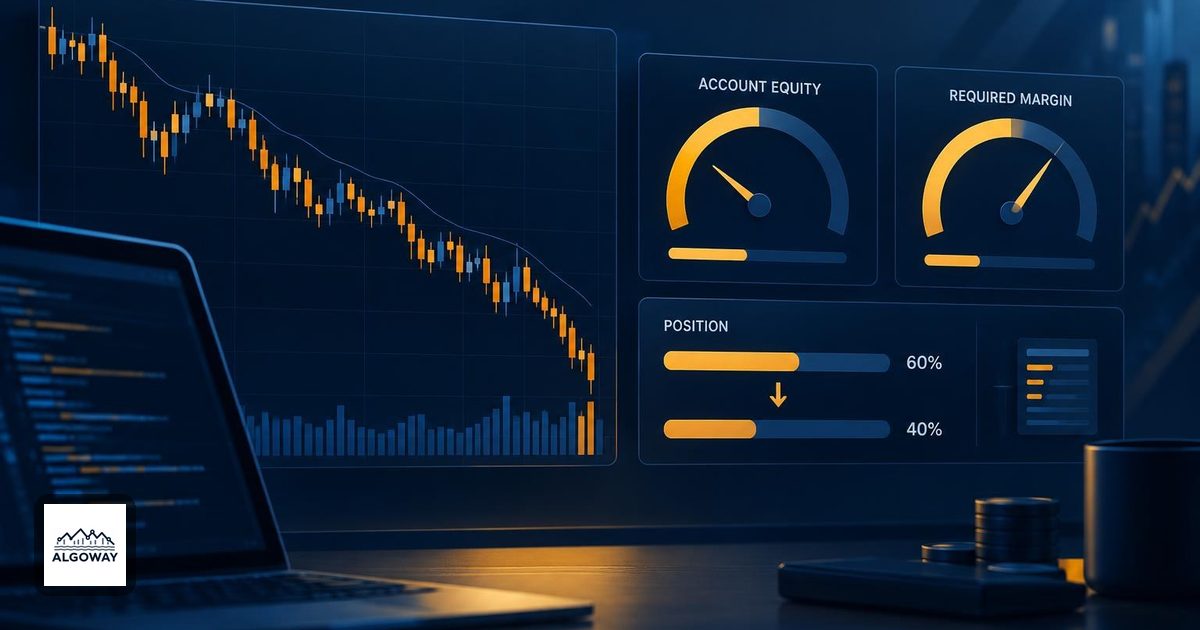
A trade disappears before the planned stop, yet the exit rule has not fired. Before rewriting the strategy, check whether the trade report labels the exit Margin Call. That points to the simulation's funding constraint rather than your ordinary exit condition.
This distinction matters in TradingView automation. Keep three records separate: what the strategy simulated, what an alert requested, and what the destination account actually did. For an AlgoWay workflow, use the backtest and execution-metrics guide to structure that comparison. A chart's margin setting is not evidence of the connected account's margin policy.
Margin is a funding percentage, not an exit distance
Pine defines separate margin percentages for long and short positions. The current Pine manual describes the corresponding Properties controls as Long leverage and Short leverage; the help article uses the older margin-percentage labels. Convert the units before comparing settings. A 25% requirement means funding one quarter of position value, allowing up to four times the available capital in this simplified model. It does not mean a 25% stop loss, and it does not automatically choose that maximum position size. TradingView describes these settings and the liquidation condition in its leverage simulation guide.
The key comparison is current equity ≤ required margin. Equity includes open profit or loss. Required margin depends on current position value and the selected percentage. Both sides can move while the trade remains open.
Work through the account, not just the price chart
Here is an invented long-position example, not a backtest result. Assume $2,000 starting equity, no earlier profit, no fees, one dollar of value per price point per unit, and 60 units bought at $100. Set the long margin requirement to 25%.
| Current price | Open P/L | Equity | Required margin | Comparison |
|---|---|---|---|---|
| $100 | $0 | $2,000 | $1,500 | Equity exceeds requirement |
| $90 | −$600 | $1,400 | $1,350 | $50 cushion remains |
| $88 | −$720 | $1,280 | $1,320 | $40 shortfall |
For this example, equity at price P is 2000 + 60 × (P − 100). Required margin is 60 × P × 0.25. Equating them gives P = $88.888… before considering a valid price increment. That is an arithmetic boundary, not a promise that the emulator will execute exactly there.
Notice the trap: required margin fell from $1,500 to $1,320, but equity fell faster. A smaller margin requirement does not imply that the account became safer. The position still owns the same 60 units until some action reduces it.
Why the reduction may exceed the immediate shortfall
TradingView's broker emulator uses four times its calculated amount needed to cover the shortage, subject to the position and quantity rules. The purpose is to reduce repeated margin-call events. Do not read the resulting exit quantity as a take-profit percentage chosen by your script. Setting margin to zero disables the constraint rather than repairing the strategy; even 100% margin does not remove short-position liquidation risk.
The Pine strategies documentation details the calculation and the public strategy.margin_liquidation_price variable. Treat that variable as information about the emulator. It is not a query to your broker.
Audit one forced exit before changing the test
- Identify the event. Record the trade's entry, direction, quantity, exit label and exit quantity. An unexpected exit deserves a specific explanation, not a general complaint that backtests are unreliable.
- Freeze the assumptions. Save initial capital, account currency, margin settings, sizing rule and accumulated realized profit. Include contract point value when translating a price move into money.
- Reconstruct the comparison. Calculate equity and required margin immediately around the event. Use the position size before liquidation; using the smaller remaining position can hide the reason it happened.
- Change one input. A smaller position is a useful diagnostic comparison. Keep the price data and exit rules fixed so the difference has an identifiable cause. This is a proposed check, not a test performed for this article.
If the uncertainty is which prices the emulator saw inside a candle, consult the Bar Magnifier explanation. Intrabar fill detail and margin adequacy answer different questions.
Before running the workflow on an account, document the destination's actual margin requirements and what happens if its position diverges from the strategy's position. A simulated forced exit is a reason to reconcile those records. It is not proof that the broker received an exit instruction.
