[Canonical HTML article](https://algoway.trade/blog/pine-isnew-versus-isconfirmed.html)
# **Pine isnew vs isconfirmed: Why Live Bar Timing Differs**
Published November 8, 2026 ·
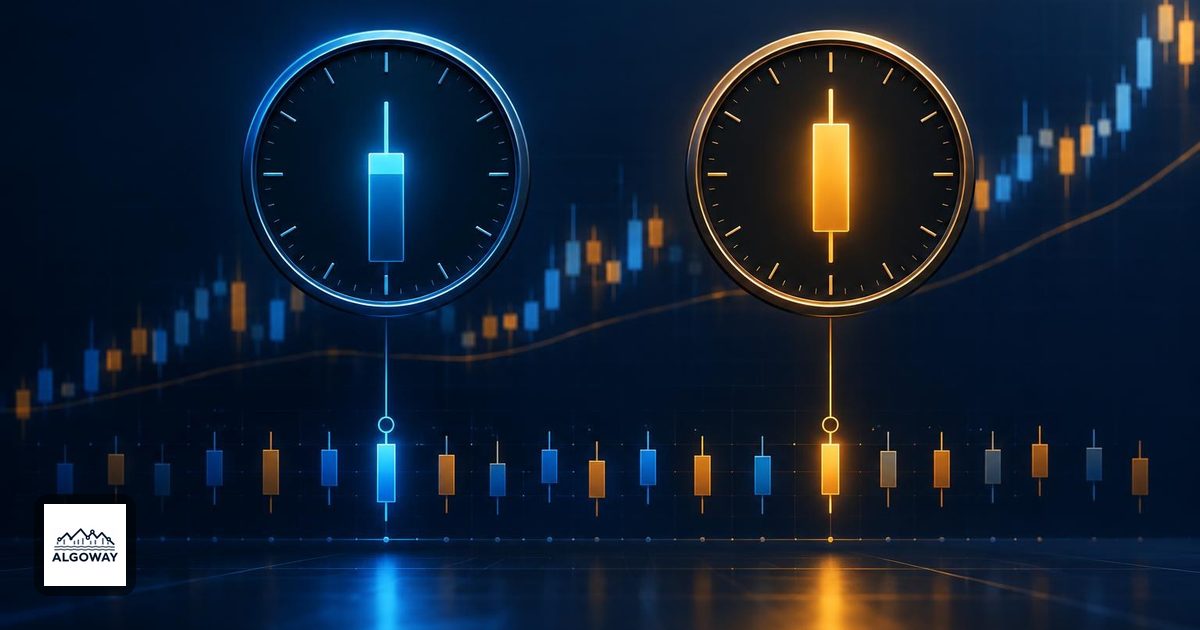
A historical chart can make two different timing rules look like twins. In Pine, `barstate.isnew` and `barstate.isconfirmed` are both true on historical bars. On a developing realtime bar, one identifies the opening update and the other identifies the closing update. That difference matters before a signal ever reaches a broker.
For TradingView alert automation, decide which observation is allowed to trigger the trade. In an [AlgoWay alert workflow](https://algoway.trade/blog/pine-higher-timeframe-confirmation-alerts.html), check the chart-bar timing separately from any higher-timeframe filter. An execution connector cannot turn an opening observation into knowledge of the eventual close.
## Same historical flags, different live moments
TradingView's [bar-state reference](https://www.tradingview.com/pine-script-docs/concepts/bar-states/) defines the following behavior. This table describes ordinary indicator execution on a realtime bar with separate opening and closing updates.
| Execution | `isnew` | `isconfirmed` |
| --- | --- | --- |
| Historical bar | true | true |
| First realtime update | true | false |
| Intermediate realtime update | false | false |
| Closing realtime update | false | true |
“New” means newly encountered by the script, not “the market has just opened this historical candle.” A historical bar already contains its completed prices when the script processes it. The shared historical flags therefore do not establish that two rules had the same information at the same live moment.
## A threshold crossed after the opening update
Consider an illustrative five-minute candle and a fixed threshold of 100. These are invented prices for explaining the logic, not recorded trades or a backtest.
* Opening update: price is 99.
* Middle update: price reaches 101.
* Closing update: price is 102.
Compare `barstate.isnew and close > 100` with `barstate.isconfirmed and close > 100`. The first expression is false at the opening update because 99 is below 100. Later prices do not rescue it: the bar is no longer new. The second expression becomes true at the closing update.
After the bar is processed as historical data, both expressions can be true: the flags are true and its final close is 102. The apparent historical agreement conceals the live disagreement. A photograph of the finish line does not tell you who was leading at the start.
In realtime, Pine's `close` contains the latest available price of the developing bar. It becomes the final closing price when the bar completes. Historical bars are evaluated from their available completed data, as explained in TradingView's [execution model](https://www.tradingview.com/pine-script-docs/language/execution-model/). This is why the value being tested matters as much as the flag around it.
## A timing flag does not schedule script execution
Indicators run on realtime price or volume updates. Strategies using their default calculation behavior execute when the realtime bar closes. Adding an `isnew` condition does not force a default strategy to wake up at the bar's opening update. Enabling `calc_on_every_tick` changes realtime calculation behavior, but does not supply a complete historical tick record.
If the intended decision uses the previous completed candle, specify that input explicitly, for example `close[1]`, and separately define when the new decision should run. This avoids pretending that the current candle's final close was available at its opening. It does not by itself establish a fill time or price.
## Match the alert frequency to the decision
A call to `alert()` needs both an executed code path and an allowed frequency. `alert.freq_once_per_bar` permits the first eligible call in the realtime bar; it does not mean “wait for the close.” `alert.freq_once_per_bar_close` requires the call to execute on the closing iteration. An opening-only branch paired with close-only frequency can therefore produce no event on an ordinary multi-update bar. TradingView documents these requirements in its [alert reference](https://www.tradingview.com/pine-script-docs/concepts/alerts/).
Historical markers do not send historical alerts. Check a live diagnostic alert before connecting order instructions, and record the bar time, observed price, condition and expected evaluation moment. This is a proposed check, not a test performed for this article.
When changing timing rules, [recreate the running alert with the new settings](https://algoway.trade/blog/tradingview-alerts-old-settings-update.html). Also keep condition events separate from strategy order-fill events. Finally, chart-bar confirmation is not proof that a requested higher-timeframe value is complete; that is the separate problem covered by the linked higher-timeframe guide.