[Canonical HTML article](https://algoway.trade/blog/pine-intraday-loss-session-lockout.html)
Published: November 22, 2026
# Pine Intraday Loss Limits: Why New Trades Stop Firing
The entry condition lights up again, but the strategy stays flat. Before changing the crossover or rebuilding the webhook, check whether the strategy has already reached its intraday loss limit. A valid signal and permission to place a new strategy order are separate questions.
This matters when TradingView alerts drive automated execution. In an AlgoWay workflow, use the [strategy alert timing guide](https://algoway.trade/blog/tradingview-strategy-alert-timing.html) to separate a condition, a simulated fill and the resulting execution instruction. If a risk rule prevents the simulated entry, an alert based on that entry’s fill has no new entry fill to report. That is a different diagnosis from a broker rejecting a received order.
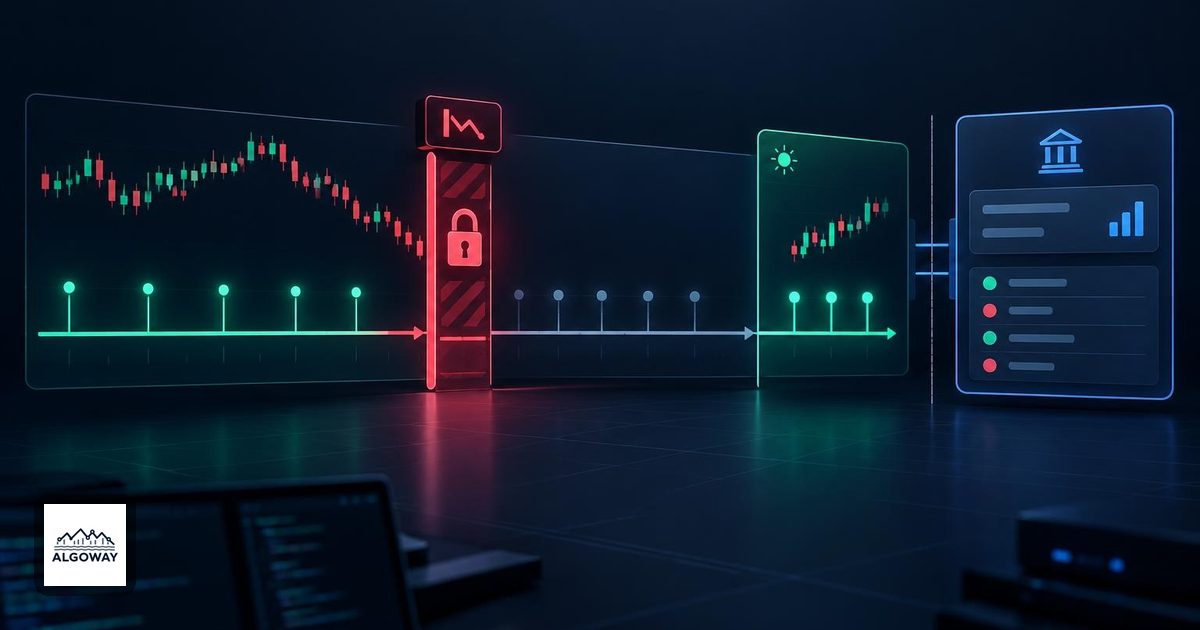
## What the intraday rule stops
TradingView documents `strategy.risk.max_intraday_loss()` as a strategy risk control. When the loss threshold is reached, it cancels pending strategy orders, closes the open simulated position and prevents further trading for the remainder of the current session. The period is a trading day on daily or lower chart timeframes; above daily, the rule operates per chart bar. See the [official strategy risk-management documentation](https://www.tradingview.com/pine-script-docs/concepts/strategies/#risk-management).
Pine risk commands apply throughout the strategy. Putting one inside a conditional block does not make it a switch that can be turned off on selected script executions. TradingView also documents that these controls run on every tick and order execution event regardless of the strategy’s calculation settings.
The practical implication is simple: a later entry condition does not itself reopen the gate. Diagnose the risk rule’s period and trigger before deciding that the entry logic has failed. Do not substitute midnight on your laptop for the instrument’s trading-session boundary.
## Trace a hypothetical lockout
The following is an illustrative event sequence, not a backtest. Assume an intraday chart and a run in which the configured loss threshold has been reached.
| Event | What to inspect | Interpretation |
| --- | --- | --- |
| Before the limit | Open strategy position and a pending entry | The strategy still has active exposure and an order waiting |
| At the trigger | Risk-related close and cancellation of the pending order | The risk rule has changed order eligibility |
| Later in the same session | Entry condition becomes true again, but no new entry fill appears | Consistent with the session lockout |
| At the next trading session | Check other rules, entry conditions and order eligibility again | A new session is not a promise that a trade must occur |
Save the timestamp of the first missing trade and work backward to the last exit. Comparing only two entry markers misses the event that explains the silence.
Also distinguish this rule from a [TradingView margin call](https://algoway.trade/blog/tradingview-margin-call-backtest-liquidation.html). Margin analysis asks whether equity supports the position’s funding requirement. An intraday loss rule asks whether a configured loss boundary has been reached. A forced exit on the chart does not tell you which mechanism caused it.
## Check which alert event you actually selected
TradingView strategy alerts can listen to order fills, calls to `alert()`, or both. Order-fill events come from the broker emulator; a custom `alert()` call follows the script’s own conditions. These are separate event sources in the [official alerts documentation](https://www.tradingview.com/pine-script-docs/concepts/alerts/).
Therefore, do not assume that stopping strategy orders also makes independently written signal messages safe to execute. Inspect the custom alert logic as well as the order logic. If an entry message is emitted whenever a crossover occurs, ask what explicitly prevents that message during a lockout. Treat this as a code-review question, then verify the emitted events in a controlled test.
Likewise, distinguish the risk-triggered closing event from a new entry. Review the actual message and intended action. A generic message that always says “buy” is not an adequate description of every possible strategy fill.
## A strategy limit is not an account-wide circuit breaker
Suppose two independent strategies feed one account. Strategy A reaches its limit while strategy B still has an open trade. Even if A’s intended close executes correctly, that fact alone says nothing about B’s position, manual trades or the account’s combined exposure.
Before treating the setup as protected, define which system owns each responsibility: detecting the strategy limit, issuing a closing instruction, confirming the real fill and restricting other sources of new orders. Compare the broker’s actual positions and working orders with the intended state. A flat strategy chart is not a broker-account statement.
This is especially relevant when evaluating a prop-firm loss rule. Match the firm’s documented calculation and enforcement scope separately; a similarly named Pine control is not evidence of equivalence.
## Keep a small diagnostic record
For one affected session, retain the symbol, timeframe, risk-call arguments, relevant strategy properties, trigger timestamp, last exit and first blocked entry condition. Beside those, record the selected alert event type, emitted message and actual execution outcome. Avoid changing the threshold, session and alert configuration together, because the next difference will have several possible explanations.
Running alerts preserve a snapshot of their script and settings. After an intentional script change, follow the [alert replacement procedure](https://algoway.trade/blog/tradingview-alerts-old-settings-update.html); editing the chart alone does not update that snapshot. Reconcile any existing positions before enabling the replacement.
The useful final check is not whether signals have started appearing again. It is whether the strategy, alert and trading account agree about which actions are currently permitted.